









Share tips and best practices, show what you've created and inspire others
Recently active
Watch this Webinar on our exciting new Consensus AI Agent Connect - and learn how to use our MCP server to use your own AI solutions with your Consensus content!Watch the recording here
Watch this DemoBoard reviewing the sunsetting of our older Advanced Branching Demos, and the advantages of our new exciting Discovery Demos!Watch the recording here
create AI-enhanced interactive videos for my site
Learn how our exciting new Simulations Data AI editor works, with VP of Product Collin Smith and Sales Engineer Stephanie Libutti! Watch the recording here.
Join CSMs Ammon Miller and Lauren Burns as they teach Sales Managers how to interpret Demolytics and help Sales users crush their goals using Consensus!Click here to watch the webinar.
Join VP of Product Collin Smith and Digital CS Director Adam Young as they discuss the exciting and intuitive new AI for building Dynamic Tours!Click here to watch the webinar. Links mentioned in the Webinar: AI in Dynamic Tours FAQDynamic Tour with AI Example
The Power Of Translation Tools In today's interconnected world, your next big customer could be anywhere. But are your demos ready to speak their language? While English might be the lingua franca of the business world, a truly impactful demo resonates with the audience in their native tongue. This is where voice translation comes in, and it's easier to implement than you might think.For users of a powerful demo automation platform like Consensus, creating and sharing compelling demos is second nature. But what if you could take that impact and multiply it across different regions and languages? The good news is, you can. Modern AI-powered tools are making it incredibly simple and cost-effective to translate your demos, opening up a world of new opportunities. The Power of a Localized Demo Imagine sending a demo to a prospect in Japan, and they hear a flawless Japanese voiceover, perfectly lip-synced with your video. The immediate sense of connection and understanding can be a game-ch
Using AI to Enhance Your Demo Script Writing Creating compelling demo scripts can be a challenging task, requiring a keen understanding of your product, target audience, and key messaging. By leveraging AI tools, you can streamline this process to craft engaging scripts that resonate with your prospective buyers. In this article, we'll explore how AI can help you write your scripts and how to build an intelligent agent using documents and knowledge similar to a Gem for your first draft. The Power of AI in Script WritingAI-driven tools have revolutionized the way we approach content creation. Specifically, when writing demo scripts, AI can assist in:Generating initial drafts. Refining language to better meet audience expectations. Ensuring consistency in tone and messaging across multiple demos. Building Your AI AgentTo effectively utilize AI for scriptwriting, you will need to build an intelligent agent. Think of this agent as a digital assistant that gathers and processes relevant in
In this webinar, Ammon Miller and Taylor Jeffery discuss common use cases and benefits for sales reps who use consensus. Click here to watch the webinar
In this webinar, Security Analyst Andrea Douglas walks through the reports available within the Consensus Salesforce Integration, and shows how to customize your own to maximize ROI!Click here to watch the webinar
Sound Like a ProElevate Your Demo Audio in Minutes with Adobe Podcast You’ve poured hours into perfecting your product demo. The visuals are crisp, the walkthrough is seamless, but what about the audio? A tinny, echo-filled, or noisy voiceover can instantly undermine the professionalism of your presentation, distracting viewers and diminishing the impact of your message. Fortunately, you don’t need a state-of-the-art recording studio to achieve crystal-clear audio. The secret weapon you might be overlooking is Adobe Podcast. Originally designed with podcasters in mind, this powerful, free, AI-driven tool is a game-changer for anyone creating demos, tutorials, or online presentations that can transform your amateur audio into studio-quality sound with just a few clicks. The Magic of AI-Powered Audio Enhancement Adobe Podcast’s speech enhancement tool analyzes your audio file and intelligently filters out background noise, reduces echo and reverb, and equalizes your vocal tones to make
Understanding and Enhancing Your Demo View Rate with Consensus In the world of B2B sales, keeping an eye on demo view rates can really help you understand how engaged your buyers are. In this article, we'll explore why these view rates matter so much and show you how Consensus can help enhance them. What is View Rate?The view rate shows the percentage of recipients who take the time to open and enjoy your demo videos. This metric is super important because it reflects how interested and engaged your audience is with your content. A higher view rate often means more buyers are intrigued, which can lead to quicker sales and better closing rates. Only views from external email domains are counted in Demolytics. A DemoBoard counts only if at least one recipient has an external email domain; if all recipients are internal, it will not count. Thus, to be included in the denominator and potentially contribute to the numerator (having a view), a DemoBoard must have at least one external recipi
Master One Demo Type: Start Simple with Vision and Micro Demos Understanding the diverse demo types available on the Consensus platform is crucial to enhancing buyer engagement and streamlining your sales processes. However, diving headfirst into creating all available demos might seem daunting and can overwhelm both you and your prospects. While there are six main demo types (there are more), let's discuss why starting with a Vision or Micro Demo can set you on a path to success. 90% of our demo content consists of videos that are 3 minutes or less. While it can be exciting to make full length demo content, the reality is, it slows us down both in the recording and the editing process. Additionally, those demos rarely get viewed as most buyers want to interact and engage with shorter content. I would advise any new creator to start simple, start small, and make quick, engaging content. With this approach, you’ll make more content faster, scaling your teams while providing buyers with
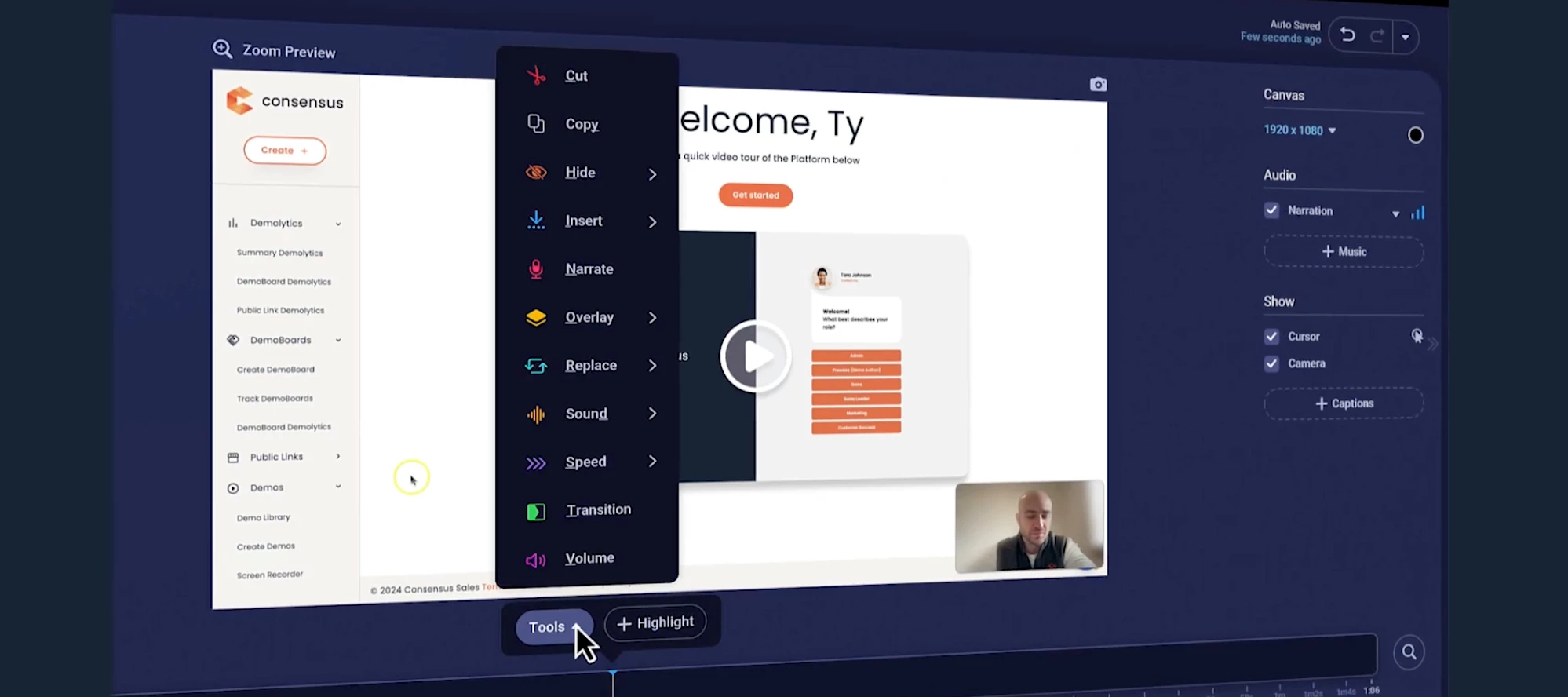
Discover Seamless Demo Editing with the ScreenPal Masterclass As B2B professionals dedicated to enhancing buyer engagement and streamlining sales processes, we understand the importance of delivering top-notch demo content effortlessly.Introducing the ScreenPal Masterclass—an intuitive and comprehensive guide designed to help you master the art of demo editing with absolute ease.At Consensus, our goal is to empower sales engineers, solution consultants, account executives, and marketing teams to create impactful, personalized, and engaging demo content quickly. The ScreenPal Masterclass combines expert insights, hands-on instructions, and practical examples to ensure you can start editing your demos immediately and confidently.Why Watch the ScreenPal Masterclass Demo?Simplified Editing Process: Learn the streamlined steps to edit demos efficiently, saving you time and effort. Enhanced Engagement: Discover editing techniques that keep your audience captivated and interested throughout t
Unlocking Buyer Engagement with Consensus Interactive Product Tours Watch a Video Demo about Interactive Product ToursWelcome to an era of unprecedented buyer engagement and efficiency with Consensus Interactive Product Tours. These tours are a game-changer for sales engineers, solution consultants, account executives, and marketing teams committed to delivering personalized, impactful product experiences to their prospects.At Consensus, we understand that today’s B2B buyers need more than just data—they crave comprehensive and engaging experiences that allow them to interact with the product on their terms. Interactive product tours are designed to fulfill this need by combining immersive video content, product demonstrations, and discovery automation into one seamless experience.What are Interactive Product Tours?Interactive Product Tours come in two forms; Story Paths Tours and Dynamic Tours. These tools are buyer-centric explorations of your product that use clickable elements, an
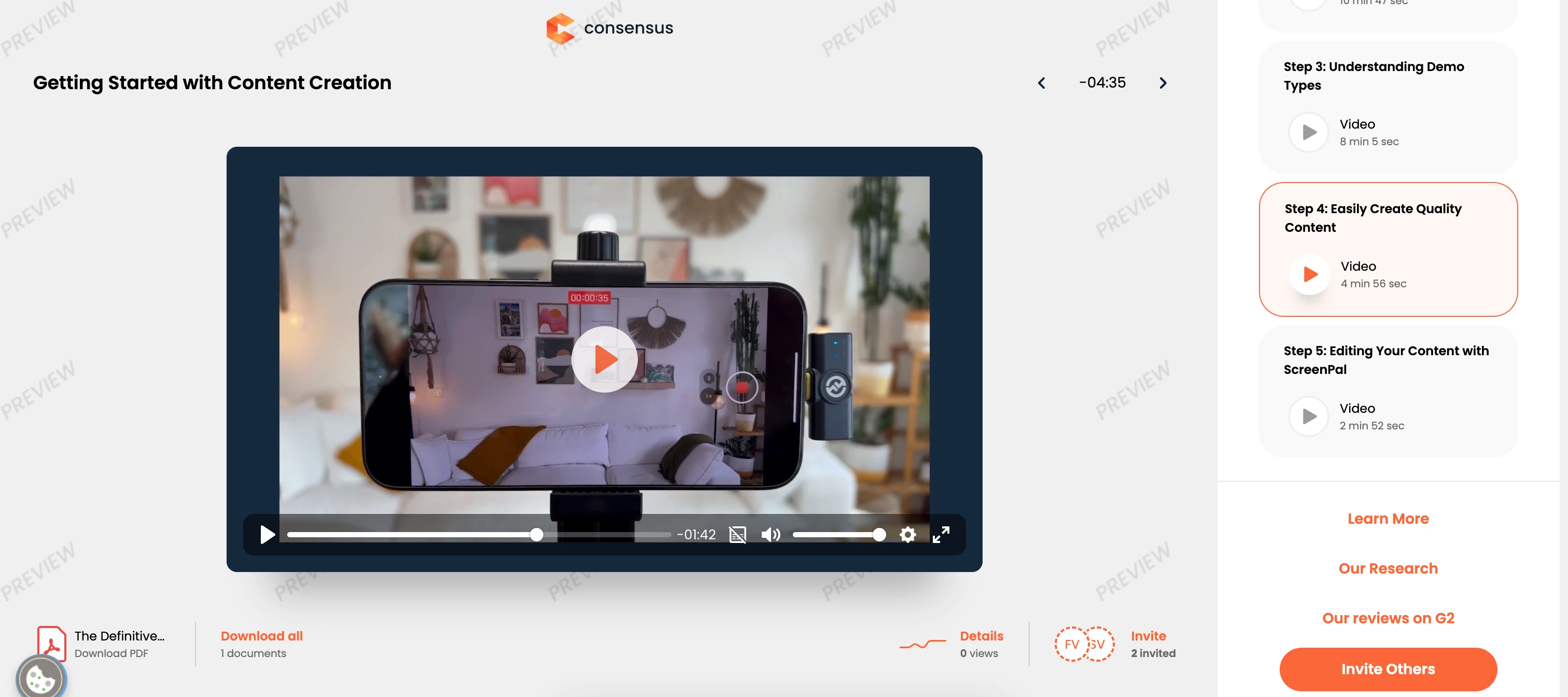
Welcome to Consensus: Your Journey to Content Creation Proficiency Begins! Welcome to Content Creation Onboarding with Consensus. We're thrilled to have you join our community of innovators transforming the B2B buying experience.At Consensus, we understand that today's buyers crave more than just information—they demand engaging product experiences. That's why we've created the world's first Product Experience Platform, designed to empower your teams to deliver personalized, impactful product experiences across the entire customer journey.As you embark on your content creation onboarding journey, you'll discover how to: Create impactful product experiences: Learn to craft interactive product tours, on-demand video demos, and automated product simulations that resonate with buyers and address their unique needs. Personalize the buyer's journey: Guide prospects through tailored experiences that showcase your product's value and accelerate their path to purchase. Leverage data-driven
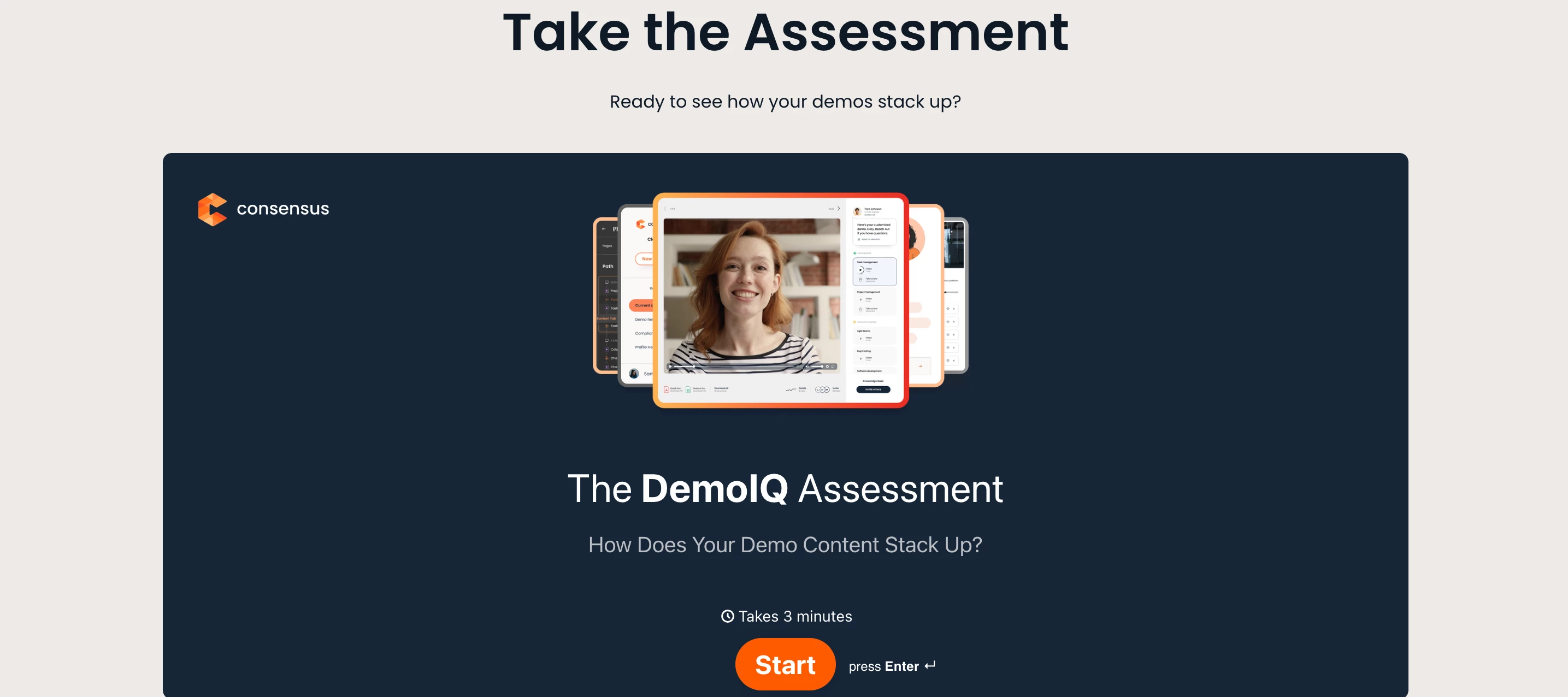
Start Here Getting started as a content creator inside of the Consensus platform can lead to a lot of questions. We’re here to help you along your journey. Before you begin, we recommend taking what we call the DemoIQ Assessment to establish a starting point. It’s alright if you don’t score highly in some areas. In fact, we expect that there will be some areas of opportunity. That’s a good thing as it helps you discover which areas to focus on. We recommend taking this assessment again in six months to see how you’ve grown. Understanding Your DemoIQ AssessmentThe DemoIQ Assessment is a vital tool that helps new users gauge their skills in creating and managing demo content. Whether you are an account executive, solution consultant, customer success manager, or part of the marketing team, this assessment will provide you with valuable insights into your current abilities and areas where you can improve. What is the DemoIQ Assessment?The DemoIQ Assessment is designed to measure your prof
In this webinar two members of our team, Ty Sartor and Garrett Erickson, go through what we are able to do with tours, they go through: Static and Dynamic Tours Building a Dynamic Tour Adding a Dynamic Tour to a Demoboard This webinar is for you If you want to see how Tours can help you scale and automate your process - and if you’d like to see how to add dynamic tours to your demoboards! Click here to Watch the Webinar
In this exciting webinar, Adam Young, Director of Client Success at Consensus will go through: Building an Interactive Product Tour Showcasing a few features to make your life easier What analytics do you get? Real examples that are currently being used This webinar is for you If you want to see these Tours in action with all the features it has from one of the original members of the ReachSuite team! Click here to Watch the Webinar
Best Practice: Minimizing the Visibility of the Cursor during Playback Minimizing the visibility of cursor movement tends to enhance the viewer experience there are a few tactics you can leverage to do so. Practice makes perfect: Before recording try going through the click path a few times so you know exactly where to click without hesitation. That way when you are recording you move the cursor exactly each time to each click. This will minimize the potential for your cursor to go off course and lead the viewer astray. Don’t touch the mouse: While waiting for pages, visuals, UI, etc., to load take your hand off the mouse while you wait as most builders tend to move the mouse around unconsciously. This will minimize the viewer from seeing any unnecessary movements that could be distracting. Changing the cursor target to 5 or 10 pixels:Interactive Product Tour is available here. To help minimize the visibility of the cursor while recording you can change the ClickTarget - Diameter to
Best Practices for creating winning experiences with Automated Product Simulations (APS) As part of our Product Experience Platform, Automated Product Simulations (APS) bring a wealth of interaction right when your buyers are feeling the most pressure; they’ve investigated the vendors, organized their project deliverables and made promises to their leaders about valuable outcomes.So there’s a very real risk to buying the wrong solution - how do you help these buyers though this tense time and give them the confidence to make that next step.Automated Product Simulations usher in game changing capabilities to you and your team, allowing buyers to experience your software without any hassle. It's a perfect tool to simplify the buying journey and increase engagement. The problem with Proof of Concepts.Often, a Proof of Concept (POC) is used to help buyers see the ‘reality’ of what they’re buying. But they’re costly and complicated, and with SaaS products being updated so frequently, they r
Interactive Product Tour is available here. Best Practice: How to loop an Intelligent Discovery Flow Looping a Intelligent Discovery Flow allow you to deliver and endless product tour experience with minimal friction. A lot of customer have asked us how to loop an Intelligent Discovery Flow (IDF). To start this off let’s first talk about why someone would want to do that and what does “loop” mean? Looping an IDF means that when an Interactive Product Tour (IPT) finishes can you take a viewer back to the beginning or allow the viewer to choose another option of a tour to experience. Why you may want to do that is simple, if you are using an email gate they would only need to enter their email address in once; lower the friction and creating a better viewer experience. It also allows you to capture all the buyer intent in a single session. When you loop IDFs onto themselevs you allow a viewer to stay in a single session and pick multiple IPTs to experience. Now that you know what “loop
In this power-packed New Feature Webinar, Garrett Erickson and Ty Sartor from Consensus showcase the dynamic new addition of Playlists! They go through: The value behind Playlists How to create your Playlist How to share your Playlist How buyers can share your playlist What new reporting analytics we getIf you want to learn how to add multiple demos to one link and what our best practices are - this webinar is for you! Click here to Watch the Webinar
In this DemoFest Customer Day presentation, David Peck, one of our Consensus CSMs breaks down how to make your Consensus Data make sense for each of the 4 key roles and your wider organization. He goes through: The 4 key roles for any successful Consensus rollout Benchmark data - What is success? Effective reports for each key role that you can easily get within Consensus If you are wanting to learn how to get the right data in front of the right people to properly capture ROI and make yourself look great as a Consensus champion - this the webinar for you! Click here to Watch the Webinar
In this webinar one of our Consensus CSMs, Daniela Carvalhal, shares some insight on a unique use-case! She highlights: Streamlining your internal onboarding Create automated demos for mundane tasks Ensure all new hires receive the same experience and information If you are looking to improve your internal onboarding program, or If you are looking for new use-cases to maximize your usage of Consensus - this is the webinar for you! Click here to Watch the Webinar
Already have an account? Login
No account yet? Create an account
Enter your E-mail address. We'll send you an e-mail with instructions to reset your password.