
February 2026 Release Notes

See what’s new at Consensus, check the updates below
Included in this releaseAutofill lead capture Improved asset management for AI Video Improved search accuracy Improved link search on Track Public links page Improved Demoboard analytics UI Autofill recipient name in Snap Autofill Lead Capture What Is It?Autofill lead capture allows customers to utilize their existing forms and customer lead generation journeys on your website. You can collect and store the form data you need directly to your Marketing Automation Platform (e.g. Hubspot, Marketo, or Eloqua) and then pass only the primary identifiers for the lead to Consensus using our new lead pass snippet. BenefitsSeamless Viewer Experience: If all required fields are filled out by the data sent in by the snippet to the player, the form/lead will automatically submit in the background to Consensus, and the viewer will not see the lead form appear at all, resulting in faster access to your content and a better overall user experience.Demo Engagement Tracking: Track a viewer's demo engagement and tie it to them specifically, even with the automated form submission. Frequently Asked QuestionsQuestion: From where can I push data into Consensus?Answer: Anywhere. Simply tell us where you have viewer data stored within the snippet, and it will push the data to Consensus to auto-fill. This includes URL parameters, cookies, data layers, etc.Question: Will it create a Lead in Consensus?Answer: Yes, the lead will be created in Consensus. You can then use a Marketing Attribution Tool (MAT) integration to pass the engagement analytics into your Marketing software to use for additional qualification efforts. Get StartedTo set up:Create a public link. Copy the “Embed code with snippet.” Work with web development team to implement embed code snippet wherever you want to have the embedded demo on your website pages. The frontend web developer, along with the marketing team, need to determine what data to pass to the embedded player, and how. There are many ways to implement; the Knowledge Base article provides with examples on how to capture and send in data to the player. To use:Once set up, users won’t need to do anything. Leads will be generated in Consensus using the ingested data from the user website. Resources:Knowledge Base Improved asset management for AI Video What Is It?Improved asset management for AI Video includes: A Trupeer integration tile in the Partner App section of Consensus Native video upload from Trupeer in the Demo Wizard: upload videos from Trupeer in the same fashion as adding a Dynamic Tour from Reachsuite Enterprise Minute Allocation in Admin/Keeper BenefitsSend content faster: With improved integration between Consensus and Trupeer, you will be able to create content in Trupeer and send it out in Consensus more efficiently. Frequently Asked QuestionsQuestion: What is Trupeer?Answer: Trupeer is an AI-powered platform that streamlines the creation of professional product videos, demos, training materials, and documentation by simply using a screen recording. Question: How do I access Trupeer in Consensus?Answer: Navigate to the Partner App section and click on the Trupeer tile to access the integration. Get StartedTo set up:Access Trupeer through the Partner App section in Consensus. Download the Trupeer Chrome extension from the integration tile. Review the Knowledge Base article for best practices.To use:Create videos using Trupeer’s screen recording and AI-powered editing. In the Demo Wizard, use “Upload from Trupeer” option to add videos directly from your Trupeer library. Improved search accuracy What Is It?We've refined how the Demo Library search engine matches user queries to demo names and descriptions. This improvement helps the user find exactly what they’re looking for and reduces irrelevant results cluttering the search. BenefitsFind the right demo faster: Users will experience more relevant search results and fewer unrelated demos appearing in the search results list. Frequently Asked Questions Question: What exactly changed about search?Answer: We improved how the search engine matches your queries to demo content. Previously, the system would find any demo containing your search words, even if they were scattered throughout the content and didn't match your intent. Now the search engine looks for phrases and meaningful word combinations, so results are more accurate and relevant. You'll see fewer unrelated demos cluttering your results. Question: Do I need to do anything to use the improved search?Answer: No; the improved search is automatic. Just use search like you always have. Get StartedTo set up:No setup required.To use:No adjustments to current user search behavior are necessary. Improved link search on Track Public links page What is it?On the Track Public Links page, paste any public link URL (e.g., https://play.goconsensus.com/xxxxxxxxx) or just the URL hash (/xxxxxxxxx) into the search bar and jump straight to that link. BenefitsImprove efficiency: You can find the relevant link faster, without scrolling through pages of links to find the one that you need.Find the context faster: When a prospect forwards a link back to you, you can more easily find exactly what they saw.FAQQuestion: What can I search by?Answer: Full public link URLs (https://play.goconsensus.com/xxxxxxxxx) or just the hash (/xxxxxxxxx).Question: Does this work with partial URLs?Answer: As long as the hash (/xxxxxxxxx) is included, the search will find your link.Question: Can I still search by Public link title?Answer: Yes; title search still works exactly the same. URL/hash search is an additional capability, and you can use whichever method is more convenient for you. Get startedTo setupNo setup required.To useGo to Public links > Track Public links Copy a public link URL from anywhere (email, Slack, CRM, browser) Paste it into the search field Hit enter to see the link. Improved Demoboard Analytics UI What Is It?A refresh of the Demoboard Demolytics interface, including:A single tabbed view where you can quickly switch between Groups, Users, DemoBoards, Customers, and Demos. The ability to choose which columns to display using the new Columns control.Report downloads now happen in the background Clearer search functionality and loading states. BenefitsFaster navigation: Switch between Groups, Users, Customers, and Demos data instantly via tabs—no more scrolling the entire page to get the data you need. Cleaner user experience: Modern UI with clear search and loading indicators reduces confusion and improves confidence in data accuracy.Personalized views: Customize visible columns to focus on the metrics that matter most to your role.Uninterrupted workflow: Start a report download and keep working—no more waiting on export screens Frequently Asked QuestionsQuestion: Will this change affect my existing data or reports?Answer: No. This is a UI update only; your data, saved reports, and analytics history remain unchanged. You'll simply see them in a refreshed, modernized interface.Question: Where did the separate Groups, Users, Customers, and Demos tables go?Answer: They've been consolidated into a single tabbed view for easier navigation. You can switch between them using the tabs at the top of the table (Group, Users, DemoBoards, Customers, Demos, All).Question: How do I customize which columns appear in my table?Answer: Click the "Columns" button in the upper right of the table. From there, you can select which columns to show or hide. Your selections will apply to your current view.Question: How does the new report download work?Answer: When you download a report, it now processes in the background. You can continue working in the platform while the export completes - no need to wait on the page. Get StartedTo set up:No set up required; these updates will automatically occur.To use:Navigate to the DemoBoard Demolytics page to use the updated page. Autofill recipient name in Snap What Is It?When creating a DemoBoard in Snap, the system intelligently auto-populates the recipient’s name based on their email address and the following logic:Email format with dots (e.g., John.Doe@acme.com): The text before the dot is populated as the First Name ("John"), and the text after the dot becomes the Last Name ("Doe") Email format without dots (e.g., john@acme.com): Only the First Name field is populated ("John"), while the Last Name remains blank BenefitsTime Savings: You no longer need to manually type recipient first and last names, significantly speeding up the DemoBoard creation workflow. Scalability: This capability is especially valuable when adding recipients in bulk to a single DemoBoard.Improved Accuracy: Auto-population reduces the risk of typos in recipient names since the data is derived directly from the email address, which users are already carefully entering. Get StartedTo set up:No initial setup requiredTo use:Go to Snap, click Create DemoBoard Select a demo to send On “Add Organization & Recipient information” step add an email in one of the formats described above Consensus will automatically populate the first and last name as defined by the logic
Consensus for Salesforce, Version 11 Release Notes Overview: In this document we will keep track of releases related to Salesforce Version 11.x. This major release was pushed to the AppExchange on 5/1/23, and as improvements or bug fixes need to be made, we will keep track of those follow-up/minor releases below as well.Version 11.0Date Released : 5/1/2023Type: Major Introduction*NOTE* Below is a small summary of the release. For full release notes, please contact your CSM.A. Overview of the new version and its significanceThe 11.0 major update focuses on bringing the Salesforce integration closer in line with Salesforce development best practices:We introduce a new “DemoBoard” custom object to store Consensus data and improve the overall reporting capabilities for DemoBoard ROI on Accounts and Opportunities. We’ve added new flows to help provide better high level totals on all standard objects, so that sales teams and admins alike can quickly see the impact Consensus is having across their accounts, opportunities, contacts, and leads. New Recommended Layouts and Demolytics sections to help aid teams in surfacing up the data they need form Consensus The new DemoBoard object allows for a better aggregate view on Opportunities and Accounts, allowing sales users to see the performance of their DemoBoards as a whole for each opportunity or account rather than seeing only Invitation-level metrics. Invitations are still available for viewing on the Opportunity object. Invitations will be visible at the Contact and Leads level, allowing for simpler views on individual activity levels. Additionally, we now have aggregate Demolytics available for each Standard Object, showing total views, shares, watch time, and DemoBoards/Invitations along with averages for each record, instead of just showing these metrics for each DemoBoard or invite. A new, easier to user DemoBoard creation form component improves user experience, and gives users access to a host of new features for customizing DemoBoards such as DemoBoard Expiration by Days DemoBoard 2FA Improved control over Contact Synchronization on Accounts with large lists of contacts. And more! Simpler Permission Sets New Report Types will now be available for use with our Demolytics, and users will be able to create custom Dashboards to display their Demolytic reports. All metrics that were behind the Aura Component are now visible and available for use in custom reports. This will allow users to make better correlations between Consensus use and changes in Opportunity success. Version 11.1Date Released : 5/1/2023Type: MinorRelease Notes: Minor release focused on improving permission sets for Salesforce version 11. Removes need to manually customize the permission set. Now Admins only need to go through a minimal effort to Clone included permission set, and "allow all custom settings" before assigning to the correct profile. Version 11.2Date Released : 7/27/23Type: MinorRelease Notes: 🪲 Bug FixesApex Exception error: Consensus.LeadTrigger: execution of BeforeUpdate Apex Exception error: Consensus.OpportuntyTrigger: execution of AfterUpdate Seen in environments where batch jobs or other features focused on bulk updates to Opportunity Name or AccountID changes. The batch process would run, and then call our included opportunity trigger and receive a failure. When you search in CRM sync for an account name that has an apostrophe, you get an error that says "can't sync with your CRM." When creating new contact roles in Salesforce, there was an issue with creating the correct Job Title value. It was taking the initial job title of the first invite to the DemoBoard, and applying it to all invited contacts. Duplicate Contact Roles being created in Orgs that had more than 50,000 contact roles. Flows - DemoBoard Account and Opportunity rollup errors. Removing both Account and Opportunity rollup flows. The data aggregation will now occur via apex during our batch updates. 🔨 Improvements: When creating new leads into Salesforce, Consensus will now include Country and State information for the lead, if collected from our lead gate form. If picklists are on within the Lead object for those fields - it will try to use the Country/State in the picklists - if the value exists in the picklist as id(abbr.) or display it will set it, if not it will not. If picklists are off - it will always set Country/State in the format they are received from Consensus Improvements to Consensus Users permission set. This will now include access to Consensus app custom settings, and admins will no longer need to clone, and then check system permission for "view all custom settings" during configuration. Further lock downs in place to ensure this permission set is not given access to configuration tabs within our app. New and Improved "Consensus Admin" permission set: Provides a more clear distinction for standard sales users, and admin users. Admin permission set will provide the access needed to manage the Consensus app. Admin permission set will grant access to all configuration pages for the app Upon installation, for Admin Permission set only, we still need to give permission to "Manage Applications" (this can be achievable manually). This permission is required for editing custom settings, and so making a "clone" of our included template permission set. and manually enabling this system permission is still necessary. Version 11.2.1Date Released : 8/28/23Type: PatchRelease Notes: Fix for Queuable job errors caused by the Opportunity Trigger. This patch removes apex code that utilizes a trigger for anytime there is an update to an opportunity Name. The trigger that sends updated name data back to Consensus has been temporarily disabled to fix the error. Fix for Heap Limit error seen on the Demo Record Update batch apex job. This fix reduces the response size from 500 to 200. Version 11.2.2Date Released : 09/13/23Type: PatchRelease Notes: Fix for SSO redirection issue that presented a maintenance page upon login. Fix for scheduled apex jobs. They will now restart on their own in case of any error is found within the batch processing and wont' need manual intervention. Version 11.3Date Released : 11/9/2023Type: MinorRelease Notes: 🪲 Bug FixesNotifications and Access List not being updated from demoboards created in SFDC Too many query rows error causing Apex Jobs to fail Recursive update found on included Lead Trigger Rollup errors causing Flow Application emails for invitation and opportunity object fields. Last DB Activity Date is empty on some demoboards Missing DemoBoard affiliations for some View records in Salesforce. CPU Failure error during RecentDemoBoards batch 🔨 Improvements: Formal Removal of all included Flows to our managed package. The Flows we introduced in our major 11.0 release have been removed because they were causing too many logical errors for trying to rollup data to the standard object fields we introduce for demolytics. These Flows will be removed, and all logic is being moved into our existing apex jobs for the time being. This will reduce Flow error emails, and problems with data being rolled up accurately for Demolytics Introduction of Consensus Dashboard and bundled Reports A new dashboard will be bundled with our package to show a singular view for demolytics and Consensus engagement Dashboard Consensus Sales DemolyticsA new folder of reports is included out of the box now, in order to support this new dashboard. All Folders > Consensus Demolytics Reports Updates to required permissions for viewing the Consensus Configuration Page, and utilizing the Consensus Create Demo Invite component. The Configuration page is now blocked to allow only users with the correct "Admin Permission set" to view. The Create Demo Invite button is also disabled if current user doesn't have either 'Admin Consensus' or 'Consensus Users' permission set assigned. Sign In Page CRM Sync Updates Ability to require opportunity tie fields Added additional validation on form fields Assign to Account & Assign to Opportunity Removing need for Secondary Email checkbox on the configuration page. Updates to the Consensus User Info table The table now builds itself as new users authenticate successfully to the Consensus component Logic has been added to our night User Info batch job to check if any users were disabled in the Consensus app. Users will be removed from the table automatically if they have been disabled in the web application. Improvements to Consensus Users permission set. Versions 11.2.3 and 11.3.1(automatically pushed to customers on 11.2 and 11.3 versions)Date Released : 12/19/2023Type: PatchRelease Notes: 🪲 Bug FixesCRM Sync FilteringRemoved unsupported filter field types Fixed input sanitizing Fixed Multipicklist filtering Fixed Long filtering Fixed Email filtering Fixed Percent filtering Added Null and Not Null filter operations Fixed filter not properly used when calculating selections in Selesforce Send Invitation WizardCRM Sync (Inactive User match)We will now only run the queries with "Active" users when retrieving Accounts/Contacts/Opportunities for CRM Sync. Previously if there were duplicate users or emails, but one of those entries was inactive, CRM Sync was breaking.Version 11.4Date Released : 2/8/2024Type: minorRelease Notes: 🪲 Bug Fixes Due to an issue reported by some clients where they had an error with 500 code for SalesLeadUpdate and RecentDemoBoard apex request in Sfdc, we're reduced the the request size and split it into multiple chunks to better process the data. Fixed Apex Heap Size error that was experienced by a couple of customers during apex jobs. Fixed UI bug that would allow for multiple "add filter" popups to be opened when building CRM Sync filters in Salesforce. Fixed "Sync related contacts" issue where the contacts were replacing the existing contacts, instead of appending to the list of recipients. The Title field reflects the Internal Title data instead of the External Title The No-views Notifications setting was missing within the New Demo Invite modal Updated the dashboard type from dynamic to standard. Duplicate tasks get created for Demo Watched event. The 'phone' field was not being populated by leads created by Consensus. New Leads weren't getting created if the Organization field wasn't filled in on the Consensus lead capture form.🔨 Improvements: Added functionality to bypass email opt-out settings for contacts in Salesforce when sending DemoBoards within Salesforce native email. Generate permission sets for Standard object. Those should have all the permissions needed for every functionality of the package to work without depending on the Profile permission Generate permission sets groups for Admin and Consensus User Admin permission set group containing Standard and Custom permission set for Admin Consensus User permission set group containing Standard and Custom permission set for Consensus User It is now possible to Assign the Permission Set Group to any profile that can have them and it will contain all the standard and custom setting permission for the package to work. So no more clone and add permission to the Permission Sets, but use the Permission Set Groups instead. Improvements to allow for better debugging. Versions 11.4.1(automatically pushed to customers on 11.4)Date Released : 12/19/2023Type: PatchRelease Notes: Versions 11.4.2(automatically pushed to customers on 11.4.1)Date Released : 5/16/2024Updated Technical Guide: Download HereType: PatchRelease Notes: 🪲 Bug Fixes:Issue with Recipients/Leads when email has a special character inside DemoBoards missing Demo and Invitation data due to synced Leads containing records with the ‘form’ array empty. CPU Timeout due to Lead and Contact Triggers during data load (see below improvement)🔨 Improvements: Added functionality to disable selected triggers for whole org, or only for chosen users. Effects of each disabled option are noted below. Here are the notes on the added functionality for the new Trigger control. Disable Account trigger - Nothing. This is currently a deprecated trigger Disable Contact trigger - When Contact email is changed related invitations are not deleted Disable Opportunity trigger - Nothing. This is currently a deprecated trigger Disable Lead trigger - When Lead email is changed related invitations are not deleted. When Lead is converted, Invitations are not set to the created Contact and remain related to the Lead. Disable DemoBoard trigger - Opportunity and Account rollup fields are not recalculated Disable Invitation trigger - Contact, Lead and Demoboard rollup fields are not recalculated Disable Feature trigger - ChildRecordUpdateDate__c field on View is not set Disable View trigger - ChildRecordUpdateDate__c field on Invitation is not set Disable Error Log trigger - Error Logs objects are not created even when debug mode is activated Disable Batch Error trigger - Batch errors are no longer send to Error Logger (doesntt exist in 11.4) Advanced OptionsVersions 11.4.3(automatically pushed to customers on 11.4.2)Date Released : 5/30/2024Type: PatchRelease Notes: 🪲 Bug Fixes:Released a quick fix for the "Sync all related contacts" feature during demoboard creation. Previously this function would insert an empty row at the top of the recipient list. Sync all related contacts Versions 11.4.4(automatically pushed to customers on 11.4.3)Date Released : 8/6/2024Type: PatchRelease Notes: 🪲 Bug Fixes:Updated logic to fix instances of duplicate lead records Previously we were looking up Leads by their associated email address, but we weren't paying attention to if the Lead had been converted. Now we are looking up the Lead, checking if the Lead has been converted to a Contact, and then referencing the Contact's updated email address. This was to avoid some instances where we were seeing duplicates lead records getting created. 🔨 Improvements: Contact RecordType Exclusion Filter. A new filter option has been added to the configuration page to allow for Admins to control which Contact RecordTypes should be excluded from our sync logic/batch updates. If there are Record Types that we should not associated Demoboard data to that share email addresses with other Contacts, you can select the record type and make sure we filter these types of contacts from our daily/nightly syncs. This will also impact the contacts we auto-populate on demoboards created in Snap and the web app when CRM Sync is utilize. If the Contact is associated to the opportunity, but is a type that should be excluded, we will not populate them as a recipient. Contact Filters > Exclude Contact Record Types (3 Max) Version 11.4.5(automatically pushed to customers on 11.4.4)Date Released : 10/17/2024Type: PatchRelease Notes: 🔨 Improvements: Task Creation: Upon a demoboard invite or watch event, a new task is created on the matching contact/lead record. If an opportunity record exists linked to the contact/demoboard, a task is also created on that opportunity. The task title includes details about the demoboard event (e.g., "Demoboard Invite - [Demoboard Name]"). (Same as we have today) The task description includes relevant information about the event (e.g., date, time, invitee details). (Same as we have today) Demo Watched event Look up dateView from View record in Salesforce to create new Demo Watch events. Do not update the task after it is created the first time. It is meant to represent a moment in time when the view occurred. Demo Invite event Look up creation date of Invite record in Salesforce to create new DemoBoard Invite Event. Do not update the task after it is created the first time. It is meant to represent a moment in time when the view occurred. Automatic Task Assignment: The integration searches for a Salesforce user with an email address matching the Demoboard owner's email. If a matching user is found, the task is assigned to that user. If no matching user is found, the task remains assigned to the integration user or whatever user is running the plugin batch jobs. Version 11.5.0Date Released : 11/8/2024Type: Minor versionRelease Notes: 🔨 Improvements: MDS Data Support Includes a new "Demo Association" object that will act as the relation between a single DemoBoard and multiple demos. Important Note - Customers will need to upgrade to this version in order to see the updated views and relations for Playlists. Updated Consensus Layout Component Embedded view of top level Consensus metrics, contextually relevant to the parent record (Opportunity, Account, Contact, etc) Configurable to enabled/disable sections for DemoBoards, Demo Views, and Statistic cards Shows contextual data related to the object (Account, Opportunity, Contact, etc.) and includes new statistic cards to show high level impact. Allows for easier configuration for new customers deploying Consensus. With the embedded table views, it is no longer necessary to configure and add multiple related lists for DemoBoards and Invitations to the Layouts. Component Configurations: The component can be configured to show either table (DemoBoards or Views) and allows customers to disable the stat cards as well. Version 11.6.0Date Released : 1/30/2025Type: Minor versionUpdated 11.6 Technical Guide: Download Here 🔨 Improvements: New embedded Snap UI allows for improved and consistent DemoBoard creation experience Enables recording of new single video demos directly from Salesforce Enables the creation of Playlists within DemoBoards created from Salesforce Leverages native Salesforce Email engine Easier configuration No longer need to create a Consensus Connected App, or configure additional connection for SSO via Salesforce. No longer need to update layouts with related lists for DemoBoard or Invitation data New Contact Import feature Allows for easier search and selection of the right recipients when making a DemoBoard from Salesforce. From a Contact or Lead record, it will automatically pre-populate with the Contact/Lead information. From an Account record, it will present a list of all associated Contacts for the Account From an Opportunity record, it will present a list of all associated Contacts from the parent Account. New ROI Dashboards and Reports New reports have been added to support a new ROI Dashboard. Consensus Demo Views: Shows demo views grouped by DemoBoard. Consensus Recipients Demolytics Report: Shows DemoBoards grouped by Account, with Opportunity data and primary demolytics stats for each recipient. Consensus Pipeline Influence: Sum Amount of all OPEN Opportunities where Consensus was used with at least 1 VIEWED DemoBoard Total DemoBoards Created: Shows all DemoBoards, their creation date and watch time Consensus Won ARR/ACV: Sum Amount of CLOSED WON Opportunities where Consensus was used with at least 1 VIEWED DemoBoard Non-Consensus Won ARR/ACV: CLOSED WON Opportunities where Consensus did NOT have any influence. 0 views and 0 view time ROI Dashboard: Showcases Total DemoBoards Created, Total Shares and Total Demo Views, and Total Demo Watch Time. Showcases Consensus Pipeline Influence, Consensus Won ARR/ACV, Non-Conesensus Won ARR/ACV, and Avg. Closed Won Opportunity Age with and without Consensus. Updating to 11.6 Instructions: Update Page Layouts: Delete Related Lists and any Consensus components Add in the 'cCreateDemoBoard' Component to the page layout Add Admin Email address to Configuration tab: Go into the Configuration tab in the Consensus app in SFDC Fill out the SFDC admin's email address in the "Admin Email Address" Field Press "Test connection" Press "Run Data Update" Version 11.6.4Date Released : 4/8/2025Type: Minor version🪲 Bug Fixes:Missing access to the Apex class RelatedViewsController Fixed a bug where the Consensus component was not showing the related Views and DemoBoards and also users couldn’t create DemoBoards, due to “Missing access to the Apex class RelatedViewsController” error. Version 11.6.5Date Released : 06/2/2025Type: Minor versionUpdated 11.6 Technical Guide: Download Here 🪲 Bug Fixes:Email is populating Lead information instead of Contact Given that there is a Lead and Contact with the same email address, when creating a DemoBoard for a Contact and sharing it, the information in the Email is wrongly pulled from the Lead instead of the Contact. DemoBoard shares discrepancies Fixed a bug that caused different ‘Shared’ counts in Consensus and Salesforce. Version 11.7Date Released : 06/2/2025Type: Minor versionUpdated Technical Guide: Download Here 🔨 Improvements: Added a scroll in Configurations → Sync Filtering → Account/Opportunity Filters Demo Views from Public links are logged as new ‘Views’ in or data table. Once there is a new View from public link MQL, we do a lookup for matching contact or lead and create a new View in the object. Removed deprecated components when users are editing Removed custom Consensus fields from standard Opportunity, Contact, Lead and Account objects. Has DemoBoards Total DemoBoards Total DB Watch Time (sec) Total DB Shares Total DB Views Total DB Watch Time Avg DB Watch time Avg DB Shares AVG DB Views Added additional error logs for the following use cases: When a Consensus View record cannot be created or updated from the batch jobs When one of the batch jobs fails to complete or to be scheduled When a Contact, Opportunity, Account, or Lead record cannot be created or updated. 🪲 Bug Fixes:Cannot load Consensus component showing the related views and demoboards and cannot “Create DemoBoard” due to missing access to Apex class. Spinner keeps loading indefinitely if Lead has no DemoBoards Contacts are not created if the DemoBoard Account and Opportunity are deleted before the sync happen Fix the list of Consensus components that you can choose from when editing a page (previously there were deprecated components available, which would throw an error) Version 11.8Date Released : 07/22/2025Type: Minor version🔨 Improvements: Auto-matching for Accounts and Opportunities Enable the new Automatch functionality to skip the tedious process of manually searching for the right Account and Opportunity. Accounts and Opportunities are matched and auto-selected for the user when creating or editing a DemoBoard based on the recipient email address. Version 11.9Date Released : 09/01/2025Type: Minor version🔨 Improvements: Improved CRM Sync when searching for Accounts and Opportunities by name Previously when searching for an Account or Opportunity during DemoBoard Creation with a single term would return all the Account or Opportunity names containing that term ordered A-Z. New search logic implemented is as follows: Display perfect matches first Then Names that start with the search term Then words that start with the term (second, third, etc. Encrypted Emails on Contacts and Leads Improves our data sync to work with encrypted email for contacts and leads. Removing of target in some components prevents customers from upgrading to 11.8+ from 11.6 versions) Version of 11.5.X and 11.6.X cannot directly upgraded to 11.8. For these versions upgraded should be done directly to 11.9. 🪲 Bug Fixes:DemoBoard Demolytics discrepancies were caused by missing or deleted Demos. Versions 11.4.10 | 11.5.7 | 11.6.6 | 11.9.1Date Released : 09/12/2025Type: Patch VersionsPatches were applied to the above version and automatically pushed to all customers currently on 11.4, 11.5, 11.6 and 11.9 versions. 🪲 Bug Fixes:Inability to send Demo Invites SalesLeadsUpdateBatch apex job is not completing with the message “All attempts to execute message failed, message was put on dead message queue. Versions 11.10Date Released : 10/24/2025Type: Minor Version 🔨 Improvements: Implemented OAuth 2.0. In version 11.10 we changed the way Consensus authenticates with Salesforce. That means: No more API Keys or Secrets No more public Salesforce sites A simpler connection process right from your Integrations page in Consensus If you upgrade to version 11.10 you need to re-connect using OAuth 2.0. For more details how that works, please refer to the this page. Note: This change impacts how Consensus connects to Salesforce. The opposite direction (connecting Salesforce to Consensus) still uses API Key and Secret. Version 11.11Date Released : 03-Feb-2026Type: Minor version🔨 Improvements: Improved (Consensus) error logsOverviewWe've significantly enhanced error visibility in the Consensus Salesforce plugin by implementing comprehensive error logging across all major data synchronization processes. Salesforce Admins can now independently diagnose and troubleshoot integration issues without requiring assistance from Consensus support teams.Problem SolvedPreviously, when errors occurred during Salesforce data creation or updates, the causes were not visible to Salesforce Admins. This required constant troubleshooting support from Consensus product, engineering, and support teams, consuming valuable time and resources. With this release, error information is now logged directly in the Salesforce environment, empowering admins to take action independently. DemoBoard Record SyncEnhanced error logging for DemoBoard record creation and updates processed by batch jobs. Salesforce Admins can now see clear error messages when DemoBoard records fail to sync, helping them quickly identify why DemoBoards might be missing or displaying incorrect data.Task/Activity SyncImplemented error logging for all Task/Activity creation and update operations, including Demo View tasks, Invite tasks, and new Lead tasks. Admins can now troubleshoot missing or incorrectly synced activities with detailed error information.Invitation RecordsAdded comprehensive error logging for Consensus Invite record creation and updates from batch jobs. This helps admins understand why invitation data might be missing or incomplete in their Salesforce instance.View RecordsImplemented error logging for Consensus View record creation and update events. Admins can now diagnose issues with missing or incorrect View data being synchronized to Salesforce.Batch Apex Job FailuresEnhanced logging to capture when Batch Apex Jobs fail to complete successfully or fail to schedule. This provides visibility into system-level issues that may affect data synchronization.Validation Rules on Standard ObjectsAdded error logging for validation rule failures on standard Salesforce objects including Lead, Contact, Opportunity, and Account. Admins can now see exactly which validation rules are preventing record creation or updates. New Permission Set Groups for IntegrationsOverviewWe've introduced Permission Set Groups for the Consensus Salesforce integration, providing a more secure and efficient way to manage integration permissions without requiring dedicated Salesforce licenses.What's NewPermission Set Groups have been created specifically for the Consensus integration that contain only the permissions required by the integration API. These permission sets can be assigned to the Integration Profile, eliminating the need for a full Salesforce license to manage integration functionality.Key BenefitsLicense Cost Savings Enhanced Security Improved Visibility Simplified ManagementNote: The initial configuration of the integration must still be made by a System Admin. After done, the integration user with the new permission sets can be used instead. Create Invitations in Salesforce Even Without Related Lead or ContactWhat's NewThe Salesforce plugin now creates Invitation records even when there's no matching Lead or Contact in Salesforce, ensuring complete data synchronization between Consensus and Salesforce.Problem SolvedPreviously, when Lead creation was disabled or no matching Lead/Contact existed in Salesforce, Invitation records were not created at all. This caused a mismatch between Consensus and Salesforce statistics, making it difficult to track the full picture of demo engagement.Key BenefitsComplete Data Visibility: All invitations from Consensus are now tracked in Salesforce, regardless of Lead/Contact status Accurate Reporting: Eliminates statistical discrepancies between Consensus and Salesforce Better Engagement Tracking: Admins can see all demo engagement activity, even for recipients not yet in their CRM Flexible Full Data Sync SchedulingWhat's NewSalesforce Admins can now schedule full data synchronization to run anywhere between 1 and 7 days, allowing for weekly sync schedules instead of the previous daily-only option.Problem SolvedCustomers with large DemoBoard volumes experienced sync processes that took several hours to complete. Running these daily caused performance issues during business hours. Weekly scheduling enables syncs to run during off-peak times like weekends.Key BenefitsPerformance Optimization: Schedule resource-intensive syncs for low-traffic periods Flexible Configuration: Choose any interval from 1 to 7 days based on your organization's needs Reduced Business Impact: Run large syncs during weekends or overnight Consistent Defaults: Default setting remains at 1 day for consistency with existing behaviorConfigurationThe new scheduling option is available on the Configuration page, similar to the existing recent data sync scheduler. Simply specify the number of days between full sync runs (1-7 days). Disable Task CreationWhat's NewSalesforce Admins can now disable automatic task creation from the Consensus integration through a new configuration option.Problem SolvedThere are cases where you might not want to create tasks in your Salesforce instance due to internal workflows, task management preferences, or process constraints.Key BenefitsWorkflow Flexibility: Align the integration with your organization's task management practices Reduced Clutter: Prevent unwanted task creation for teams that track engagement differently Granular Control: Enable or disable task creation as needed without affecting other integration featuresConfigurationThe new task creation toggle is available in Salesforce → Configuration page. Historical Data Sync Date Range ControlWhat's NewSalesforce Admins can now specify a date range for historical Consensus data synchronization, controlling how far back the integration syncs DemoBoard data.Problem SolvedPreviously, the integration would sync all historical DemoBoards regardless of age or relevance. For organizations with years of data, this created unnecessarily long sync times and included outdated DemoBoards that were no longer useful.Key BenefitsImproved Sync Performance: Exclude old, unused DemoBoards to dramatically reduce sync time Focused Data: Set the sync date range based on your organization's reporting needsConfigurationThe new date range configuration is available in the Salesforce Configuration page, allowing you to specify the historical sync window. 🪲 Bug Fixes:Fixed a bug where sync was failing due to Salesforce limitation for an update operation, because of too many Demo records. Implemented batch size limiting to process a maximum of 200 demos per batch instead of attempting to process all demos in a single batch operation.
Included in this releaseDynamic Tour Video Converter Flexible Mobile Player Optimization Dynamic Tour AI Updates Screen Sharing Default in Snap Recorder Auto-Redirect After Recording in Snap Actual Demo Titles in AnalyticsWatch the December Release Demo Dynamic Tour Video Converter What Is It?This capability transforms your existing screen recording videos into interactive Dynamic Tours. You can automatically convert video content into an engaging, interactive experience with clickable hotspots and guided navigation, allowing you to repurpose your video library without recreating content from scratch.BenefitsThis capability enables you to maximize the value of your existing video content by transforming passive viewing experiences into interactive product demonstrations. You can quickly convert screen recordings into Dynamic Tours that allow prospects to explore your product at their own pace, significantly reducing the time and effort required to create interactive demo experiences. The tool automatically identifies key moments in your videos and allows you to add interactive elements or guides, making it easier than ever to scale your demo creation across your organization.Frequently Asked QuestionsCan I convert any video into a Dynamic Tour?This capability works best with screen recording videos that demonstrate software products or workflows. Videos should have clear visual changes and distinct sections that can be converted into interactive steps.What happens to my original video?Your original video content is preserved. Consensus creates a new Dynamic Tour experience based on your video while keeping the source material intact and accessible.Can I edit the Dynamic Tour after conversion?Yes, after conversion you can add, delete, or modify action events and hotspots to refine the interactive experience. The tool provides full editing capabilities to customize the tour to your specific needs.Get StartedFrom the Dynamic Tours screen, select “Upload Dynamic Tour.” Click “Select Video,” click on the video you’d like to upload. Name your file, and click “Create”Resources:Demo: link Knowledge Base: link Flexible Mobile Player Optimization What Is It?This capability improves how Consensus demos display when embedded at smaller sizes on your website or within other applications. The video player now intelligently adapts to use more screen space, reducing excess whitespace and ensuring your demo content remains clearly visible and engaging even when displayed in compact formats like mobile devices or narrow website sections.BenefitsYou can now embed Consensus demos anywhere on your website, regardless of size constraints. Whether you're placing demos in sidebar widgets, mobile-responsive layouts, or compact landing page sections, your video content will display properly and remain easy to interact with. This flexibility expands where and how you can leverage your Consensus demos, enabling new use cases like mobile-first experiences, in-app integrations, and multi-column website layouts that were previously limited by display constraints.Frequently Asked QuestionsWhere can I use the optimized player?It works anywhere you embed Consensus demos via iframes, including your website, customer portals, help documentation, and mobile applications. The optimization automatically applies to all embedded players.Do I need to re-embed my existing demos?No, the optimization automatically applies to all existing embedded players. You don't need to make any changes to your current implementations.What sizes are supported?The player adapts intelligently across all size ranges, with specific optimizations for displays that are half the webpage width or smaller. This includes mobile devices, tablet displays, and compact desktop layouts.Get StartedNo setup required; you can continue embedding your Consensus demos as you always have. This capability automatically applies to provide the best viewing experience at any size. To test the improvement, embed a demo on your website and view it on mobile devices or reduce your browser window size.ResourcesDemo Link: link Knowledge Base Article: link Dynamic Tour AI Updates What Is It?Dynamic Tour AI Updates builds upon the Dynamic Tour AI capabilities that were recently launched. You can now mute voiceover and include narration on intro and outros. There is also a UI update for the narration play button and simpler voiceover updates. BenefitsThese updates make Dynamic Tour AI even more powerful and reliable for creating interactive product demonstrations. You'll experience improved accuracy in AI-generated tours, additional customization options, and enhanced capabilities that address real-world use cases discovered during early adoption. The updates ensure that Dynamic Tour AI meets the high standards you expect from Consensus while providing the flexibility needed for diverse demo scenarios across your organization.Frequently Asked QuestionsDo I need to recreate existing Dynamic Tours?No, these updates enhance the Dynamic Tour AI creation experience but do not require you to recreate tours you've already built. Existing tours will continue to function with no additional action required.How do these updates affect my workflow?The updates are designed to streamline and improve your existing workflow by adding additional capabilities and addressing feedback from early users. You'll have access to additional options without changes to the core creation process.Get StartedAccess Dynamic Tour AI through your regular workflow. The updates are automatically available when you create new Dynamic Tours using AI capabilities. Review the updated documentation to learn about new features and enhancements.Resources:Demo: n/a Knowledge Base: n/a Screen Sharing Default in Snap Recorder What Is It?Consensus Snap now automatically enables screen sharing when you start recording, streamlining your video creation workflow. Instead of manually selecting screen share each time you record, the recorder opens with screen sharing already activated and your camera visible, allowing you to begin recording immediately.BenefitsThis improvement saves time with every video you create in Snap. Since most recordings involve showing your screen with camera overlay, you no longer need to remember to enable screen sharing before starting each recording session. This reduces friction in your video creation process and helps ensure you never accidentally start a recording with only your camera when you intended to share your screen. The result is a faster, more intuitive recording experience that lets you focus on your message rather than settings.Frequently Asked QuestionsCan I still record camera-only videos if needed?Yes, you can easily disable screen sharing if you only want to record your camera. The default setting simply saves you a step for the most common recording scenario.Will this work on my device?Screen sharing defaults work on all devices and browsers that support Snap's recording capabilities. You'll still need to grant screen sharing permissions through your browser when prompted.Does this change affect my existing recordings?No, this update only affects new recording sessions. Your existing videos and recording workflows remain unchanged.Get StartedNo setup required from users or administrators. The screen sharing default applies automatically to all Snap recording sessions. Simply open Snap and start recording as you normally would. Screen sharing is now enabled by default, allowing you to begin recording your screen and camera immediately.To record workflow:Navigate to Snap and select "Record Video" The recorder opens with screen sharing already initiated Grant browser permissions for screen sharing if prompted Begin recording immediately - screen and camera are readyTo record camera-only:Open the recorder (screen sharing enabled by default) Disable screen sharing using the recorder controls Proceed with camera-only recordingResources:Demo: n/a Knowledge Base: n/a Auto-Redirect After Recording in Snap What Is It?Consensus Snap now automatically notifies you when your recording is complete and provides an easy way to return to the recorder page. When you finish recording and click "Stop Sharing," you'll receive a browser notification confirming your recording is saved. Clicking the notification takes you directly back to the recorder where you can finalize your video or start a new recording. Additionally, the recorder tab now displays "Recording..." with a red indicator while recording is in progress, making it easy to identify your active recording session.BenefitsThis improvement eliminates confusion about whether your recording completed successfully and removes the need to manually search for the recorder tab among your open browser windows. You'll know immediately when your recording is saved and can quickly return to complete your workflow. The visual recording indicator also helps you keep track of active recording sessions, which is especially useful when you're working with multiple browser tabs or applications.Frequently Asked QuestionsDo I need to enable browser notifications?Yes, to receive recording completion notifications, you'll need to allow notifications from Snap in your browser. The first time you record, your browser will prompt you to allow or block notifications. You can also manage this in your browser's site settings.What if I don't see the notification?If notifications are blocked or if you miss the notification, you can still navigate back to the recorder tab manually. The tab title will update from "Recording..." back to the normal title when the recording is complete.Does this work on mobile devices?The notification feature works on desktop and mobile browsers that support web notifications. The visual recording indicator in the tab title works across all devices.Get StartedThe auto-redirect feature works automatically. When you finish a recording:Click "Stop Sharing" to end your recording Look for the browser notification confirming your recording is saved Click the notification to return to the recorder page Alternatively, look for the recorder tab (it will no longer show "Recording...")To ensure notifications work properly, allow notifications when prompted by your browser, or check your browser's site settings for Snap. Additionally, you need to enable Google Chrome notifications in your OS system settings.Resources:Demo: link Knowledge Base: n/a Actual Demo Titles in Analytics What Is It?Analytics and Demolytics now display the actual demo titles you created (like "Alex's Standard Demo") instead of generic category labels (like "Standard Personalized" or "Single Experience"). This improvement makes it immediately clear which specific demo was watched in each session, both in the Heatmap view and on the Track Demoboard page.BenefitsYou can now quickly identify exactly which demo prospects viewed without needing to decipher generic labels or cross-reference other data. This clarity makes performance analysis faster and more intuitive, especially when managing multiple demos with similar configurations. Sales representatives and account executives can instantly understand which personalized demos resonated with specific prospects, enabling more informed follow-up conversations and better pipeline insights.Frequently Asked QuestionsDoes this change affect my existing analytics data?No, this is a display improvement only. All your historical analytics data remains intact and will now show with the actual demo titles you created.Will I see this change for all demo types?Yes, the improvement applies to Single demos, Standard demos, and Advanced Branching demos. Each will display the custom title you assigned when creating the demo.Do I need to do anything to enable this?No, the improvement is automatic. Simply access your analytics and Demolytics as usual, and you'll see the actual demo titles displayed.Get StartedAccess your Analytics or Demolytics pages as you normally would. The actual demo titles now appear automatically in the Heatmap view and on Track Demoboard pages, making it easier to identify which demos were watched.Resources:Demo: n/a Knowledge Base: n/a
Included in this release[Early Access] Consensus AI Agent Connect (MCP) Consensus for Seismic Demo Library - Sort by UsageWatch the January Release Demo [Early Access] Consensus AI Agent Connect (MCP) What Is It?Model Context Protocol (MCP) support so that AI agents such as Claude and ChatGPT can directly access your Consensus demos and create DemoBoards for you. This capability enables a seamless workflow where you can interact with AI tools using natural language to search for demos, receive recommendations, and generate personalized DemoBoards, all without needing to navigate the Consensus platform manually. BenefitsAI-Powered Demo Discovery: Ask AI assistants to find the right demos for your use case using natural language, and receive intelligent recommendations based on your demo library.Hands-Free DemoBoard Creation: Create DemoBoards through conversational AI interfaces, describing what you need rather than clicking through workflows.Faster Sales Workflows: Reduce the time from opportunity identification to demo delivery by leveraging AI to handle demo selection and DemoBoard setup.Smarter Content Recommendations: AI agents analyze your demo transcripts and metadata to suggest the most relevant content for each prospect scenario. Frequently Asked QuestionsWith which AI platforms will this work?Any AI assistant that supports MCP can connect to Consensus.The MCP standard is supported by Claude (Anthropic), with growing adoption across major AI platforms. For more information about MCP, see https://modelcontextprotocol.io.Is my demo content secure?Yes. Access to Consensus through MCP requires authentication using secure JWT tokens that you generate and control. You maintain full control over what can be accessed.Do I need technical skills to use this?No. Once your team administrator enables MCP access, you can interact with Consensus through simple conversations with your AI assistant. Get StartedAI Agent Connect will be available in Early Access starting January 12th. To request to be added to the Early Access program:Contact your Consensus Customer Success Manager for the link to request access. Submit the form. You will receive an email within 2-3 business days outlining the steps you need to take to activate AI Agent Connect.Note: you must be a system administrator in order to request access to this capability. To use:Ask your AI assistant to help you find demos or create DemoBoards. For example: "Find demos about product analytics" or "Create a DemoBoard for a healthcare prospect interested in data security." Resources:Demo Knowledge Base Consensus for Seismic What Is It?Consensus for Seismic enables sales teams to create and manage DemoBoards directly within Seismic's Digital Sales Rooms without leaving their workflow. Through an embedded Consensus interface (Snap), users can build personalized demo experiences, add them to Digital Sales Rooms, and track viewer engagement—all from within the Seismic platform. BenefitsStreamlined Workflow: Create and share DemoBoards without switching between platforms, reducing friction and saving time in your sales process.Centralized Sales Content: Keep all customer-facing assets, including interactive demos, in one place within Seismic's Digital Sales Rooms.Better Buyer Experience: Provide prospects with cohesive, organized buying experiences that combine documents, presentations, and interactive demos in a single destination.Enhanced Visibility: Review demo engagement analytics directly within Seismic to understand which content resonates with prospects. Frequently Asked QuestionsHow do I install the Consensus app in Seismic?Through a distribution link provided by Consensus (also available in our Knowledge Base article).How do I access Consensus from Seismic?Once the integration is enabled, users can log in to Consensus directly from the main navigation on the left side of the Seismic interface.Do I need separate logins for Consensus and Seismic?You will have separate logins for Consensus and Seismic. However, for the integration to work correctly, your Seismic account email address must match the email address you use to log in to Consensus. This ensures that the system can accurately identify the correct user and save demoboards to the matching Seismic folder ID. Will my existing Consensus demos be available?Yes. All your existing Consensus demos will be accessible when creating DemoBoards within Seismic. Get StartedTo set up:Load the distribution link Install Consensus for Seismic application following the guidelines in our KB article. Communicate availability to sales teamsTo use:Open a Digital Sales Room in Seismic Look for the Consensus integration option on the left navigation Login to the app using your Consensus credentials Create and add DemoBoards using the embedded Consensus interface Track engagement analytics directly within Seismic Resources:Demo Knowledge BaseDemo Library - Sort by Usage What Is It?This capability automatically prioritizes your most successful demos when you search your library. When you search in "My Demos" or "Demo Library," results now display your most-used demos first, showing you the content that's proven most effective with your prospects and customers. A new "Usage" column shows exactly how many times each demo has been shared.BenefitsFind Your Best Content Faster: Your highest-performing demos appear at the top of search results, eliminating time spent scrolling through outdated or rarely-used content.Make Data-Driven Decisions: The Usage column provides instant visibility into which demos resonate most with your prospects, helping you choose the right content for each opportunity.Improve Team Efficiency: Content managers and sales teams can quickly identify and share proven demos, reducing search time by up to 10% and improving overall workflow.Scale What Works: Easily replicate successful demo strategies by identifying and reusing your top-performing content across your team. Frequently Asked QuestionsHow is "usage" calculated?Usage represents the total number of times a demo has been shared through DemoBoards and Public Links combined. This gives you a complete picture of how frequently your team leverages each demo.Will this change my Demo Library view when I'm not searching?No. The smart sorting only applies when you perform a search or apply filters. Your default Demo Library view remains unchanged.Can I still sort by other criteria?Yes. You can click the "Usage" column header to manually sort by usage at any time when viewing search results or filtered views. Get StartedThis capability is automatically enabled for all users. Simply search for demos in your "My Demos" or "Demo Library" tabs to see your most-used content prioritized at the top. Look for the new "Usage" column to see performance metrics for each demo. Resources:Demo: n/a Knowledge Base: n/a
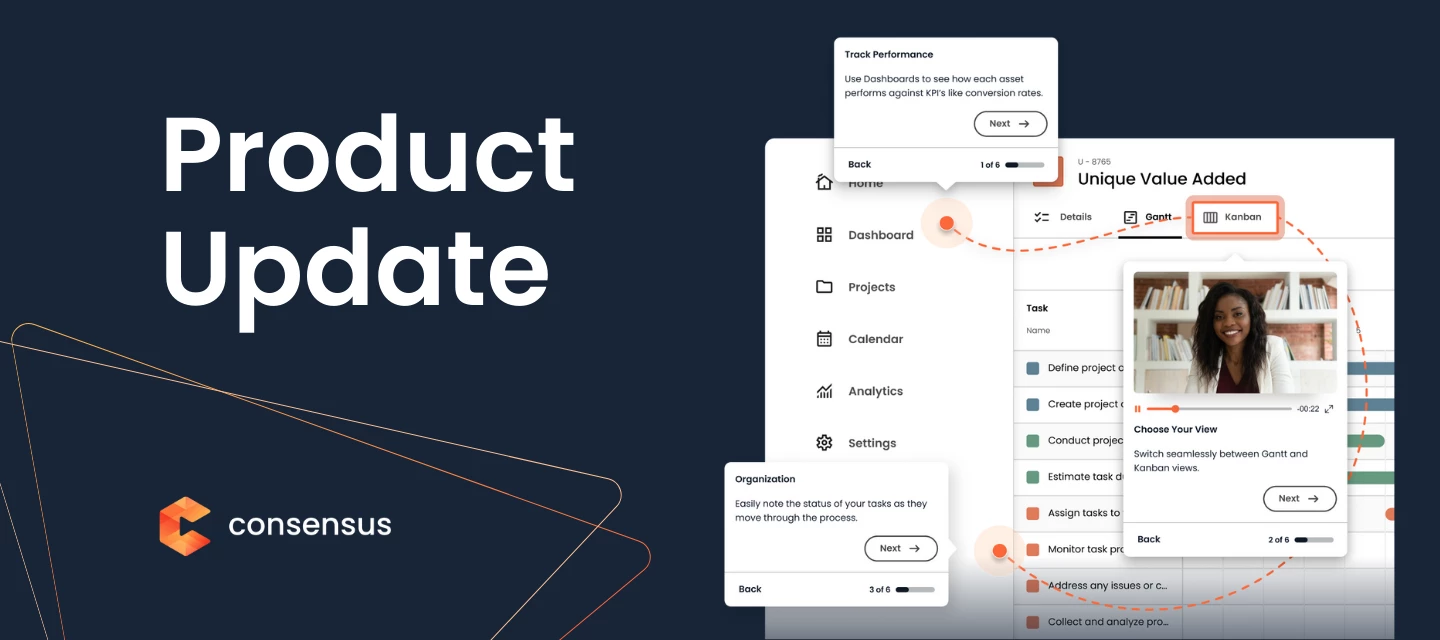
We are excited to share some great updates to Consensus’ Dynamic Tours. These three features have been highly requested and will improve your build experience all while adding in limitless potential on what you can build a Dynamic Tour of. Dynamic Tours of on-premise or native application solutions, mobile emulators, third party extensions, and more are all now possible with this update. Want to see it live in the product? Click here to see a demo and try out a tour. What's New?You are now able to click Upload Dynamic Tour on the Dynamic Tour management screen to upload a video tour. This can be a previously created video, a video tour you created for a native app, a video tour on a mobile emulator, a video tour using 3rd party extensions, etc. Simple click the Upload Dynamic Tour then give your tour a name and select the file you would like build a Dynamic Tour on and then click Create. Once the video is uploaded you you click on the “...” menu and click Edit Tour to begin creating your Dynamic Tour using the next two new features below. Note: The audio in the video upload will be played within the tour for the viewer. If you want to the tour to not have audio you would need to remove it first with a video editor like iMovie. Note: If you want to leverage Dynamic Tour AI for these style of tours, you need to add your clicks first then run Dynamic Tour AI. Adding Clicks to a Dynamic TourWhen you are using the Dynamic Tour editor, we have added a new + button. This allows you to add a click along the timeline of your Dynamic Tour. This is really helpful if you forgot to include a click on something you wanted to mention in the tour or you can add in clever additional clicks to help you create some demo magic to speed up transitions, load screens, processing times, etc. Once you click the + button your mouse will turn into a crosshair. You can then scan the tour with the crosshair along the timeline to decide where you want to add your click. All the same editing features are available for newly added clicks. Delete Clicks from a Dynamic tourWhen you are using the Dynamic Tour editor, we have added a new Trash Can button. This allows you to remove a click event along the timeline of your Dynamic Tour. We're confident these updates will help you get your tailored demos out to prospects faster and with more confidence. Let us know what you think!
We are thrilled to announce a massive step forward for our platform: Consensus AI is now infused across every product experience.This is more than just a new feature; it’s a strategic and creative co-pilot designed to eliminate tedious work, giving your teams a competitive advantage and freeing them up for what matters most: driving results.Our vision s simple: Consensus AI clears the way so your genius can take the lead.Consensus AI is designed to help GTM teams do the best work of their lives by: Replacing Tedious Work by transforming hours of manual labor, like video editing and demo environment setup, into professional content created in seconds. Powering your team's expertise with intelligent efficiency across content creation, polish, and delivery for every asset type. Scale personalization with instantly personalized, customized, and anonymized demo environments with a single prompt, ending the trade-off between scaling your efforts and personalizing the experience. Consensus AI FeaturesConsensus AI supercharges every part of your Product Experience Platform with new, intelligent capabilities.Watch the demo 1. AI Video Content (Powered by Trupeer)We are ending the era of tedious video production. Consensus AI Video Content, which is powered by Trupeer, transforms rough screen recordings into polished, professional video demos and guides in minutes, not days. Automatically removes "ums," background noise, and chaotic jump-cuts. Generate a natural-sounding voiceover or add a professional AI avatar, eliminating the need for a perfect take or being "on camera" every time. Translate videos into multiple languages at scale with a single click, expanding your global reach. The best part? To get you started, all Consensus customers receive a gift of 100 free minutes of AI Video Content.Sign up for Early Access 2. AI Tours EnhancementsConsensus AI is eliminating the time tax of creating interactive product tours by turning simple click paths into perfectly scripted, professional tours instantly. AI automatically generates storyboards and scripts for your Dynamic Tours based on your click paths. AI adds clickable highlights without the manual slog, so you can easily create a polished, interactive tour in minutes. 3. AI Simulations One Prompt Data EditorSimulations AI transforms the live demo from a clunky, generic walkthrough to a secure, strategic consulting session. Instantly personalize, customize, and anonymize demo environments with one prompt. Protect sensitive customer data by telling AI to swap client names with synthetic replacements, like Lord of the Rings characters. Update fields and branding with a single AI prompt. 4. [Coming soon!] AI Agents & The MCP Server The Consensus MCP Server gives your AI agents a competitive edge, transforming them into sales intelligence powerhouses. AI Agents will analyze patterns to tell your reps the most relevant demo or content to send, providing predictive intelligence instead of reactive reporting. By connecting directly into your AI agents, the server feeds them real-time access to interactive videos, tours, and simulations. Your reps can simply ask their AI agent, "Which demo should I send this prospect?" and instantly get the best-performing option. Watch the Demo Ready to try Consensus AI?To gain access to Consensus AI, your account admin will need to reach out to their Consensus Rep to get AI turned on on your account.
The rules of B2B buying have changed: Buyers do not want to meet with you... until they are ready. Now, your Consensus platform is a unified tool that powers the buyer’s journey before they’re ready to meet and after they’re ready to meet—from self-serve product experiences to high-impact live demos, Discovery Builder helps you win more deals, faster. The Power of the Unified Product ExperienceThe core idea behind Discovery Builder is simple yet powerful: Stop fragmenting the buyer journey and start guiding it.Imagine a single demo empowering your whole go-to-market team to deliver a unified, yet infinitely personalized, product experience. Our new Discovery Builder connects tours, videos, and simulations into one seamless, intelligent demo. Discovery Demos provide a single link that can be sent to your buyers and embedded into every stage of their journey—from first touch through expansion and beyond. By offering personalized exploration with every demo channel possible, one link has the power to fuel each buyer type (executive, manager, end user) in your buying committee’s craving to learn your value, converting more deals into closed-won faster.Key Features Driving Personalized DiscoveryDiscovery Builder: The easy-to-build, unlimited canvas with the ability to add multiple branches to an experience. Discovery Demo: The delivery mechanism that provides infinite personalization, where you can embed all Consensus content types: videos, tours, and simulations. Buyer Enablement: Buyers can now answer a couple of short questions and receive a tailored demo hyper-personalized to them. Surveys: Use capture questions to survey buyers on content relevance after they engage with your demo. Actionable Analytics: Get buyer journey insights, seeing their path at each step along the way.See a Discovery Demo in Action But don’t just take our word for it. Here’s what Elisabeth Alonzi, Sr. Sales Excellence Engineer and CARET has to say:“Discovery Demos enable us to design personalized, branded experiences that speak directly to each persona. They scale seamlessly across the buying group, making it easy to deliver journeys that resonate while keeping the process efficient and sustainable for our team.” The future of selling is intelligent, automated, and personalized. Discovery Builder is here to help your team lead the way.
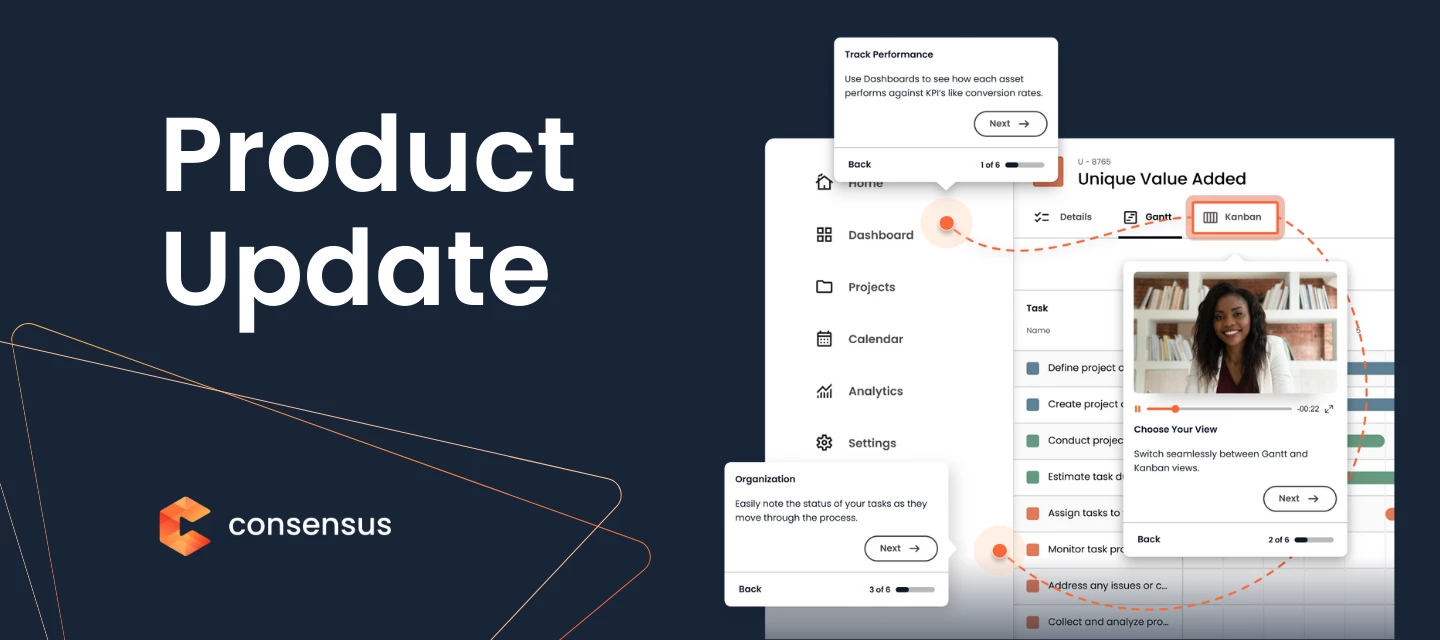
We are excited to share some great updates to Consensus, designed to make your DemoBoard creation process simpler and more efficient than ever. These changes are built to save you time and help you deliver a tailored experience to your prospects. What's New?Streamlined Demo Selection It's now easier than ever to find and select the demo you need within a DemoBoard. You can search for a demo or filter by Favorites, Recents, or your admin-selected "promoted" Demos. The "Recents" list is also back, allowing you to quickly access the last 20 demos you've used for DemoBoard creation. Bulk Add Email AddressesYou can now quickly copy and paste multiple emails when creating a DemoBoard, making it faster and easier to send a DemoBoard to a group of stakeholders. Consensus will automatically try to autofill the first and last names and organization based on their email address. For Admins: Add Promoted ContentYour organization's admins can now promote strategically important demos. Promoted demos are easy to spot with a star icon and are pinned to the top of search results in the Demo Library and within a Promoted demo list during DemoBoard creation. This ensures you always have quick access to the most vital content.The ability to add or remove promoted content is reserved for Admin users by default, but the "Promoted Content Admin" permission can be assigned to custom roles. Learn more in the Knowledge Base article. For Admins: Simplified Required FieldsTo streamline the DemoBoard sending process, admins can now choose which fields are required to send a DemoBoard. Admins can now customize the required fields for creating a DemoBoard, with the option to require only an email address. This allows for the toggling on or off of fields like DemoBoard Name, Organization, and First and Last name to streamline the process.Admins can make this change in Account Settings within Global Demo Settings.SNAP RedesignThe best part about these DemoBoard updates? They’re live across all of our SNAP integrations! This SNAP redesign helps to better focus on the DemoBoard creation process no matter where you’re sending from.Watch the Demo to Learn More Mobile-Ready Dynamic Tours Last but not least, our Dynamic Tours are now fully functional on mobile devices!This makes Consensus the first product on the market to offer two mobile-ready tour options. Your team and prospects can now view both Dynamic and Story Path Tours on mobile devices in landscape mode. Go ahead and try it out with the demo in the product update! We're confident these updates will help you get your tailored demos out to prospects faster and with more confidence. Let us know what you think!
You asked, and we listened. Our team has been busy creating new features to make your Consensus experience even smoother. One of the most-requested features, Tagging, is officially here! Dive in to see what else is new. TaggingWe're excited to announce a powerful and highly requested new feature designed to make managing your Consensus demos even easier: Tagging! We know how important it is to find the right demo for the right audience quickly. Tagging offers a streamlined approach to categorizing your demos and folders, making it simple to locate desired content within your Demo Library. Watch the Demo Here’s what you can expect from tagging:Improved discoverability: Easily categorize your demos and folders with relevant tags. This means your team can quickly filter and find the exact content needed, saving time and ensuring you always have the most relevant content. Better organization: By assigning tags, you create a more intuitive and organized system, making it simple to manage your growing collection of demos. Seamless Workflow: Easily assign existing tags to your demos directly from the Demo Library. Filter with Ease: A new "Demo Tags" filter is now available in the Demo Library allowing for quick content retrieval. Accessible Integrations - Find demos using tags in any of our integrations that incorporate Consensus SNAP (Gmail, Outlook, Outreach, Salesloft, and more). Admins can create and manage tags along with any users you manually add as tag managers. Content creators and Content Managers can add tags to demos and folders. All users within your organization will have visibility into the available tags and the capability to filter by them. This new feature will help you leverage your demos more effectively and streamline your content management. We're confident that tagging will become an essential tool in your Consensus workflow. Read the knowledge base article to learn more. Cookie TrackingThis new feature uses cookies to track user contact data, eliminating the need for your viewers to repeatedly fill out lead forms when accessing multiple demos on your website. This creates a smoother, more efficient journey for your prospects by pre-filling their information, while still allowing them to update details or provide additional information if new fields are present.For Consensus customers, this translates to increased viewer engagement and the ability to gather more actionable insights through qualified lead records generated for each demo submission.This feature is optional and can be activated by your administrator in the “CRM Sync” settings. Learn more about Cookie Tracking in this Knowledge Base article. Save to Story Path Tours + On-Page EditingYou can now save product screenshots directly to your Story Path Tours from the Consensus Capture Chrome browser extension. This streamlines your workflow by eliminating the need to download screenshots to your computer and then re-upload them; it's now a single click!But that’s not all! You can now edit text directly on the page before capturing your screenshot. This powerful capability lets you easily remove any sensitive information or customize the content to perfectly tailor your Story Path Tour for a specific user or scenario. Salesforce Account & Opportunity Auto-MatchingFor our Salesforce CRM users, Accounts and Opportunities are now automatically matched! This intelligent feature, built into the DemoBoard creation process, automatically connects recipients with the most relevant Opportunity and Account in Salesforce, even when those fields are left blank. This ensures your DemoBoards and Salesforce data are perfectly in sync, providing the foundation for critical ROI insights.This feature is optional and can be activated by your administrator in the “CRM Sync” settings. Learn more about Auto-Matching in this knowledge base article. If you have any questions, please don't hesitate to contact your Consensus rep or leave a comment below!
Our team works hard to ensure Consensus customers have the very best experience possible. Over the past few weeks, we’ve released product improvements that provide clarity, help streamline workflows, and create cohesion across the platform.This round-up has everything you need to know about what’s new with Consensus, starting with Track DemoBoards! Track DemoBoards DemolyticsWe're excited to announce that the updated Track DemoBoard Demolytics is now available for all customers! This enhancement gives you even greater control over your data and the metrics that matter most to your business. Key improvements include:Customizable and Auto-Saving Table Views: Manage the columns visible in your Demolytics table and have your preferred view automatically saved, even when navigating to other parts of the app. Flexible CSV Export: Download a CSV of the complete table view or just the columns you've selected for focused analysis. Modernized Interface: Enjoy a visually refreshed table with a more contemporary feel, including actions on hover and intelligent handling of long text elements for a cleaner look.Explore the Tour Rebranded and Improved ReachSuite ExtensionExperience a more seamless and intuitive workflow with our upgraded ReachSuite extension. Now fully Consensus branded, this extension offers a consistent experience directly in your browser.We've also enhanced the capture capabilities for both Dynamic Tours and Simulations. We've streamlined the experience capture process with:Intuitive screen and tab selection with approval: Giving you precise control over your recordings. Enhanced Side panel UI: Providing a clearer and more user-friendly interface for effortless recording and updates. Note: You will not need to download a new extension or manually update the current extension. This change happens automatically. Learn more about the new extension in this knowledge base article. Improved Intelligent Flow Builder Experience SearchOur intelligent flow builder’s discovery function got a major upgrade. Now, users can choose a folder to find an experience, or they can search for the experience title, as shown below.This makes it easier to understand what experiences you’re using when building an Intelligent Flow. Custom Fonts in Dynamic Tours & SimulationsEnsure your Dynamic Tours and Simulations perfectly align with your brand's look and feel by using your unique font. Simply navigate to your Brand Color Theme in Settings, upload your font file, and set it as your font family. This will create a more cohesive and impactful brand experience for your prospects. As always, thank you for being a Consensus customer! These updates reflect our ongoing commitment to providing innovative tools that drive your success. Let us know what you’d like to see next in the comments below!
We're thrilled to announce some new updates to Public Links designed to give you even greater control and deeper insights into your lead generation and demo engagement.Email Domain Restriction Our latest lead form update gives you even greater control over your lead capture process with Email Domain Restrictions for Public Links Lead Forms. Here's what's new: Consensus Admins can block form submissions from specific email domains. Say goodbye to unwanted submissions and hello to focused, valuable leads! With a single click, you can block submissions from a comprehensive list of free email domains like Gmail and Yahoo. This helps you prioritize leads from business or organizational emails, ensuring higher quality and relevance. Our intuitive interface allows you to type in domains individually and provides a clear view of your blocked list. Need to make changes? Simply click the "x" to remove any domain. Admins can navigate to the Public Links Lead Forms tab within the Global Demo Settings to get started. Read the Knowledge Base article to learn more. Track Public Links InsightsWe've improved the Track Public Links Details Page to provide even more actionable data on individual links.See Total Views, Tour Views, Total Qualified Leads, and Lead Engagement on each Public LinkHere’s what’s new: Aggregate Performance Metrics: See the big picture with overall performance data on Total Views, Tour Views, and Total Number of Qualified Leads. Individual Qualified Lead Metrics: Dive deep into the details of each qualified lead, including the details found on your lead form and their level of engagement with the Public Link. Let us know what you’d like to see next!
Welcome to the future of demo automation, where you give buyers the rich product experiences they crave. Starting today, Consensus Tours customers can add Dynamic tours to their demos! We’ve integrated Dynamic Tours into our core platform, enabling you to share more engaging, informative, and persuasive product demos, all in one place. With this launch, your prospects can:Explore key features interactively: Go beyond passive viewing and let buyers dive into the aspects that matter most to them. Experience in-depth product stories: Guide buyers through complex workflows and scenarios with interactive, multi-page tours. Boost engagement in on-demand videos: Increase viewing time and conversion rates by adding interactive layers to your existing video demos.By adding Dynamic Tours to your Consensus workflow, you give buyers an immersive, hands-on experience that leads to deeper understanding and faster purchasing decisions.With the power of Consensus’ On-Demand Videos paired with Automated Product Simulations and Interactive Product Tours, you’re ready to give prospects the product experiences they crave. Check out our latest demo that shows how you can make the most of our whole Product Experience Platform. Get in touch with your Consensus sales rep or client success manager to get started!
Managing lead capture just got easier! You can now create Multiple Lead Forms inside Consensus for your public links, giving you the flexibility to tailor lead capture to each campaign, audience, or demo.We understand that every campaign and demo is unique, requiring the collection of different data points. With Multiple Lead Forms, you can now create and deploy customized lead forms tailored to your specific needs, ensuring you capture the most relevant information for every interaction.Key Highlights:Tailored Lead Capture: Design unique lead forms for different campaigns, demos, or audience segments. Capture the Right Data: Gather what's relevant to qualify leads, personalize follow-up, and drive better marketing engagement. Optimize Conversion Rates: Improve the buyer experience with concise, targeted, and easy-to-complete forms. Data-Rich CRM Sync: Connect your custom fields to the new web forms to ensure your team has the data they need.Check Out the Demo to Learn More If you are a Consensus for Marketing customer, this feature is now live in your dashboard. You can get more detailed information on how it works from this knowledge base article. If you’re not yet using our marketing tools, contact your Consensus Rep or leave a comment below to learn more!
Buyers are in control. They want a better way to engage. They want a faster, more personalized journey. They want to buy their way -- not yours. After months of hard work, we are thrilled to announce the future of demo automation starts today. Introducing the first-ever Product Experience Platform. Give your revenue teams the tools they need to meet buyers where they are. Guide them through every stage of the journey by proactively addressing concerns, answering questions, and personalizing their experience -- all before they even ask. Click here to watch & learn more about the Product Experience Platform Buyers want to buy their way. Now, you can give them exactly what they need to move faster and close deals more efficiently. Consensus is the first holistic Product Experience Platform designed to eliminate friction from the buying process and accelerate decisions faster than ever before. What’s in a Product Experience Platform?The Consensus Product Experience Platform gives your buyers three different ways to engage their senses and win more: On-Demand Video Demos: Your buyers get to watch the product in action. Interactive Product Tours: Buyers get to try your product out in a personalized fashion. Automated Product Simulations: Buyers explore product UI and core functionality in a data-rich environment. Fully Actionable Intent Data: Sellers get the inside scoop on what buyer really want. Together these products will elevate your demos in Consensus and strengthen your ability to meet your buyer’s needs for product experiences across the entire buyer’s journey. Coming Soon to Consensus Customers In the coming weeks we’ll share more information on how you can add tours and simulations to the demos in your demo library. In the meantime, reach out to your Consensus rep to learn how you can get started.
Your Salesforce experience just got a serious upgrade! We're excited to announce the release of Consensus for Salesforce 11.6.0, an update to provide deeper insights and further empower your sales teams.This release focuses on a deeper Salesforce integration, streamlined workflows, and robust new reporting capabilities to drive greater efficiency and accelerate your sales cycles. Watch the Demo What’s new:New embedded Snap UI allows for improved and consistent DemoBoard creation experience Enables recording of new single video demos directly from Salesforce Enables the creation of Playlists within DemoBoards created from Salesforce Leverages native Salesforce Email engine Simplified Salesforce Configuration No longer need to create a Consensus Connected App, or configure additional connection for SSO via Salesforce. No longer need to update layouts with related lists for DemoBoard or Invitation data Intelligent Contact Management & Import Allows for easier search and selection of the right recipients when making a DemoBoard from Salesforce. From a Contact or Lead record, it will automatically pre-populate with the Contact/Lead information. From an Account record, it will present a list of all associated Contacts for the Account From an Opportunity record, it will present a list of all associated Contacts from the parent Account. Advanced ROI Reporting Consensus Demo Views: Shows demo views grouped by DemoBoard. Consensus Recipients Demolytics Report: Shows DemoBoards grouped by Account, with Opportunity data and primary demolytics stats for each recipient. Consensus Pipeline Influence: Sum Amount of all OPEN Opportunities where Consensus was used with at least 1 VIEWED DemoBoard Total DemoBoards Created: Shows all DemoBoards, their creation date and watch time Consensus Won ARR/ACV: Sum Amount of CLOSED WON Opportunities where Consensus was used with at least 1 VIEWED DemoBoard Non-Consensus Won ARR/ACV: CLOSED WON Opportunities where Consensus did NOT have any influence. 0 views and 0 view time ROI DashboardShowcases Total DemoBoards Created, Total Shares and Total Demo Views, and Total Demo Watch Time. Showcases Consensus Pipeline Influence, Consensus Won ARR/ACV, Non-Conesensus Won ARR/ACV, and Avg. Closed Won Opportunity Age with and without Consensus. Download the technical documentation here.
The Consensus and Highspot integration is no longer in Beta and is now available to all Highspot and Consensus Customers! Learn more here. Consensus and Highspot are teaming up to simplify the buyer journey and unlock repeatable growth. Sellers can tap into automated demos, buyer insights, uncover stakeholders, all without leaving Highspot.With this partnership, your team will spend less time on repetitive tasks and more time closing deals—armed with better performance data and buyer intent signals that drive faster decisions and higher win rates. Watch the Highspot Demo to Learn More The Consensus integration with Highspot empowers sellers to personalize their sales presentations, improve content organization, and gain valuable insights into demo engagement. This integration gives you access to industry-leading features from both Consensus and Highspot.Create DemoBoard in a Digital Sales Room: No more switching between platforms—reps can create a DemoBoard or record a new demo seamlessly within one space using the Consensus integration in Highspot. Embed DemoBoard in a Digital Sales Room: Ditch external links. Embed DemoBoards in your Digital Sales Room to keep prospects engaged—no distractions, no drop-offs. Unlock Advanced Demolytics insights from your Digital Sales Rooms: Get deep insights around view times, heatmaps, and viewer data from your embedded Consensus DemoBoard, so you know exactly how buyers engage throughout their journey. Buyer-Specific Content Delivery: Use analytics to serve relevant content when it matters most, keeping buyers engaged and deals moving forward. This integration is currently in beta and available for customers of Consensus and Highspot. If you’re interested in joining the beta, fill out the form on this page. Let us know how you will be using Highspot and Consensus in your sales process below!
Product Experience Platform and The Future of Demo Automation It’s been a busy few months for the team here at Consensus. In August we announced our acquisition of ReachSuite, introducing world’s first Product Experience Platform. Since then we’ve been hard at work expanding our vision for the future of demo automation. And today we’re excited to introduce a new set of features that help us take the next step toward that vision. We believe that the future of demo automation is multi-faceted and multi-threaded -- and we’re just getting started. Playlists: Multi-Demo Supported DemoBoardsYou asked, we listened. Playlists are here - and they’re a game changer! 🎉 Playlists are set to revolutionize how your team engages with buyers and stakeholders.With Playlists you can expect:Larger deal sizes More products purchased per sale Faster sales cycles Use multiple demos to keep deals moving fast, all from one linkWith Playlists, buyers can access multiple demos within a single DemoBoard. This provides a centralized place for sellers to add demos and product experiences as the conversation advances and as new stakeholders are added to the decision making process.Watch the Playlist Demo to Learn More Looking for even more Playlist insights? Watch this webinar covering how to use playlists, what new insights you will get, and how your buyers will be able to interact with and share these playlists. SNAP Plugin UpdateOur SNAP plugin has a new look and more functionality -- including access to Playlists! Here’s what you can expect from the new SNAP. A new look and feel with an updated interface Updated navigation through DemoBoards, including how DemoBoard details are reviewed and how DemoBoards are edited from SNAP. Playlists: you can add 1 Advanced Branching Demo, or up to a mix of 15 Standard or Single demos right from the plugin. Recording: SNAP now supports recording of new Single demos along with Personal Intro Videos. You can record a new demo and include it directly alongside other pre-made demos with Playlists.Analytics within the update SNAP pluginNot only is the SNAP browser extension updated with a new look and enhanced features, but we’ve updated all of our integrations including Outlook, Outreach, SalesForce, and SalesLoft. Watch the SNAP Demo to Learn More Favorites To making finding the perfect demo easier, we’ve added the ability to “Favorite” demos for quick access. It’s as easy as clicking the ♡ next to a demo and finding them in the Favorites tab. Find your favorite demos quickly and easilyFavorites will also be visible when creating DemoBoards or Public links, denoted by the pink heart. Watch the Favorites Demo to Learn More Custom ThumbnailsInstead of thumbnails being chosen at random, you can now choose a thumbnail from autogenerated options or even upload your own custom thumbnail. This provides you the opportunity to ensure the thumbnail you choose puts your best face forward. Customizing thumbnails is also be available with the SNAP plugin. The future of demo automation is here -- and Consensus is leading the way. Let us know which new features you’re most excited about and what you could like to see next! Drop any questions in the comments below.
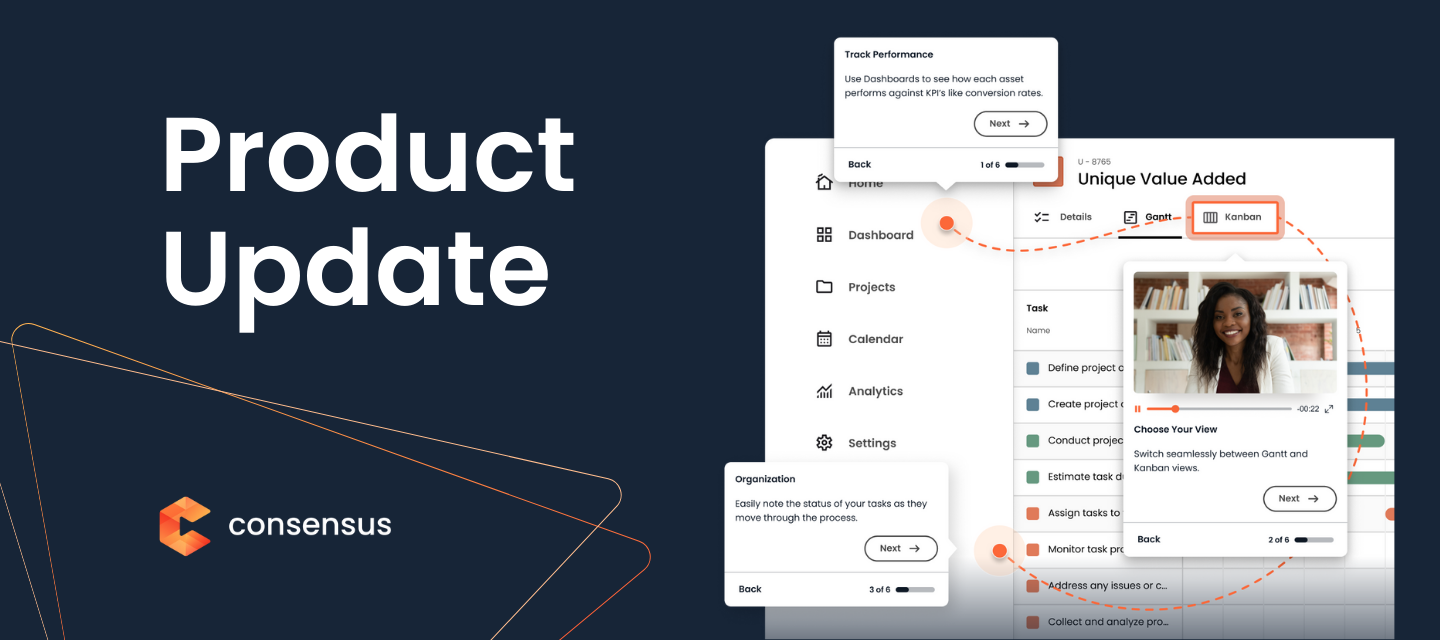
SNAP Plugin UpdateOur SNAP plugin has a new look and more functionality across all of our extension partners. This major overhaul of SNAP streamlines the experience and makes your workflow with Consensus and your favorite tools seamless. The new SNAP experience is now live in your Google Chrome and Microsoft Edge browser as well as across our other integration partners including Outlook, Outreach, SalesForce, and SalesLoft. Consensus SNAP Chrome Extension in GmailHere’s what you you can expect from the all-new SNAP: A new look and feel with an updated interface. Updated navigation through DemoBoards, including how DemoBoard details are reviews and edited from SNAP. Snap now supports recording of new Single demos as well as Person Intro Videos. Updated, easier to understand analytics view. Watch the SNAP Demo to Learn More
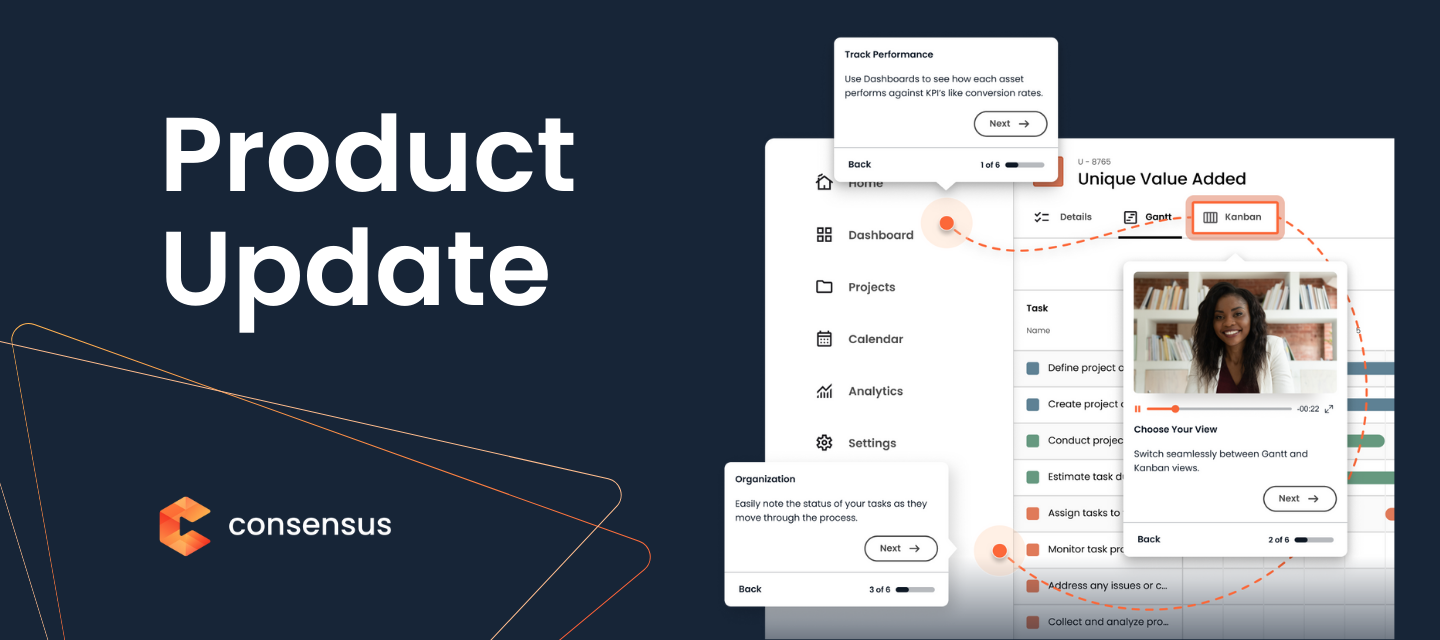
Welcome to the World’s First Product Experience Platform! We’re bringing the future of Demo Automation to the entire buyer’s journey. Consensus is acquiring ReachSuite to deliver the world’s first Product Experience Platform. Together we’re transforming B2B sales into easy, interactive buying experiences.The addition of ReachSuite to the Consensus platform will create the future of demo automation and take it across the entire buyer’s journey. You’ll get access to:On-demand video demos Interactive product tours Live product simulationsReachSuite is now part of Consensus! Watch the demo to learn more And that’s not all we’ve accomplished this month! This product update features some great innovations to help deliver your prospects a great buying experience, and drive your revenue growth higher!Public LinksManaged and organize your links better, keep track of where and why you're using them.Watch the demo to learn moreHaving a well-organized place to store sharable links is like having a digital filing cabinet for your online world. It offers several advantages:Efficiency and Time-SavingQuick access: Instantly find and share links without digging through emails, chats, or bookmarks. Reduced clutter: Avoid a cluttered digital space by consolidating links in one place. Streamlined workflow: Easily share relevant information with colleagues or clients.Improved OrganizationCategorization: Organize links into folders or tags for easy retrieval. Prioritization: Highlight important links for quick reference. Centralized storage: Keep all your links in one place, preventing duplicates.Enhanced CollaborationShared access: Grant access to specific links or folders for teamwork. Version control: Track changes to shared links over time. Efficient communication: Share relevant information with colleagues or clients quickly. Want to know more? Check out the Knowledge Base: What do you think? Got comments? - Let us know below!
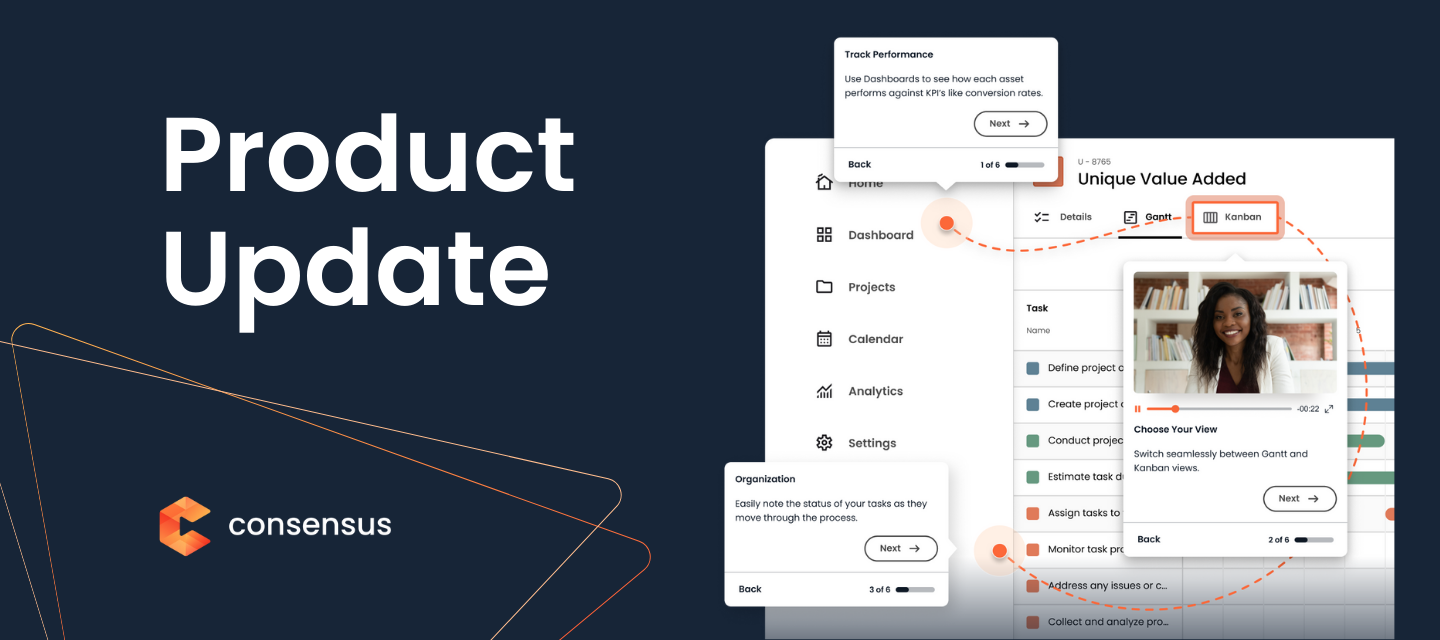
Welcome to Product Updates from Consensus. Welcome to your one-stop-shop for the latest updates about Consensus products, bringing you bang up to date on the most transparent, educational and helpful changes for you to take advantage of, creating great experiences for your buyers and helping your revenue grow.We know that product release notes are a valuable tool for you to understand what we’re doing, providing clear and concise information about new features and improvements, so you can help your users get the most out of our products. When you subscribe we’ll send you an email when we post new updates!You can subscribe to all our Product Updates here Cheers!Garrett & Melissa
No account yet? Create an account
Enter your E-mail address. We'll send you an e-mail with instructions to reset your password.