

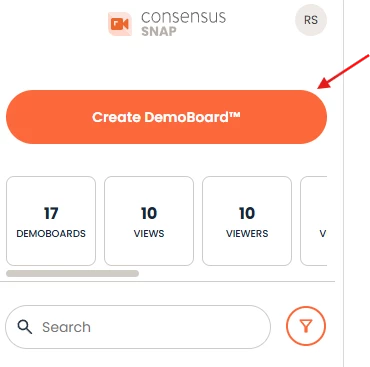
Open Consensus Snap and click on the “Create Demoboard” Button.
Then click "Upload."
Locate the video file on your computer or drive and double-click on it to upload it to SNAP. Depending on the video file size, this may take a few minutes to process.
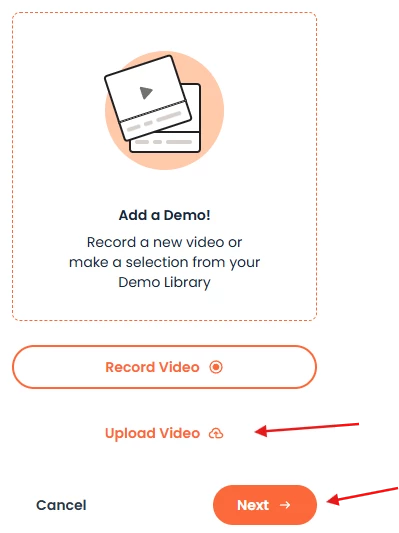

Once the video is uploaded, click Next and follow the additional steps to send your new personalized demo such as:
- Adding attachments
- Filling out your Recipients and Organizations that will receive the Demo
- And choosing your Link style (Image, Button, or Text Link)
Best Practice Recommendations:
- Recommended Video File Type: MP4
- Other Officially Supported Video File Types: .webm, and .avi;
- We don't have any limits on audio or video bitrate
- Variable or constant bitrate is OK.
- We recommend FPS (Frames per second) to be set at 60FPS. This is more than enough to offer the best quality video experience within our web demo player