With the multi-page Tour Experience, you have the ability to create or clone an existing Tour.
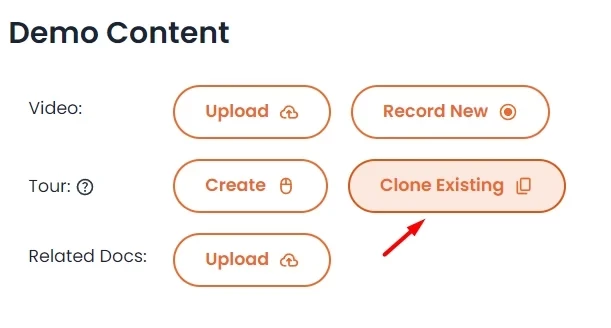
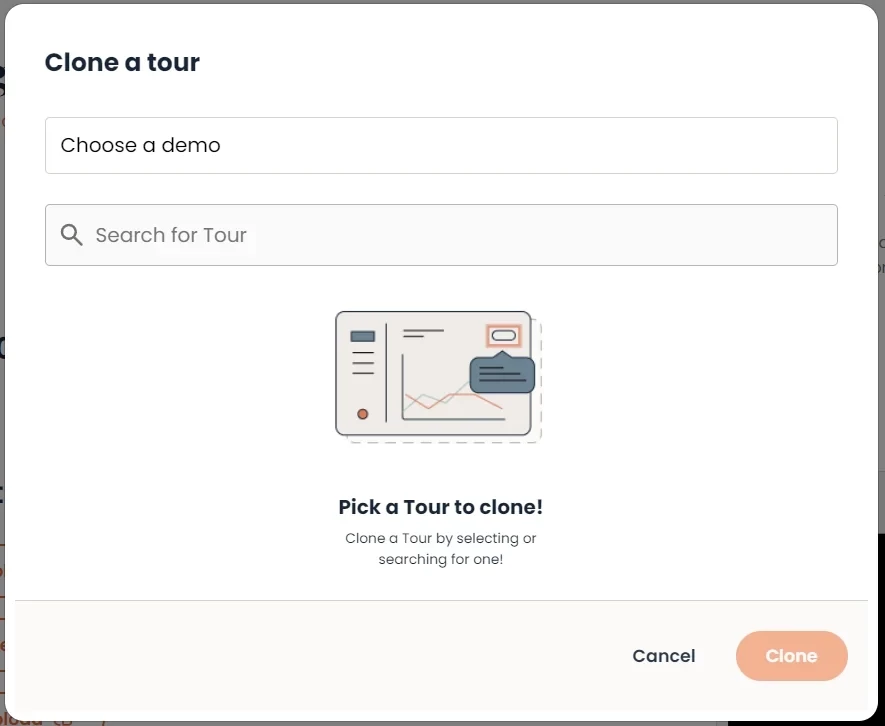
Once you select clone existing, there will be a pop-up for you to select the Tour within the specific demo to be cloned. Note that selecting at least a demo is required in this step.
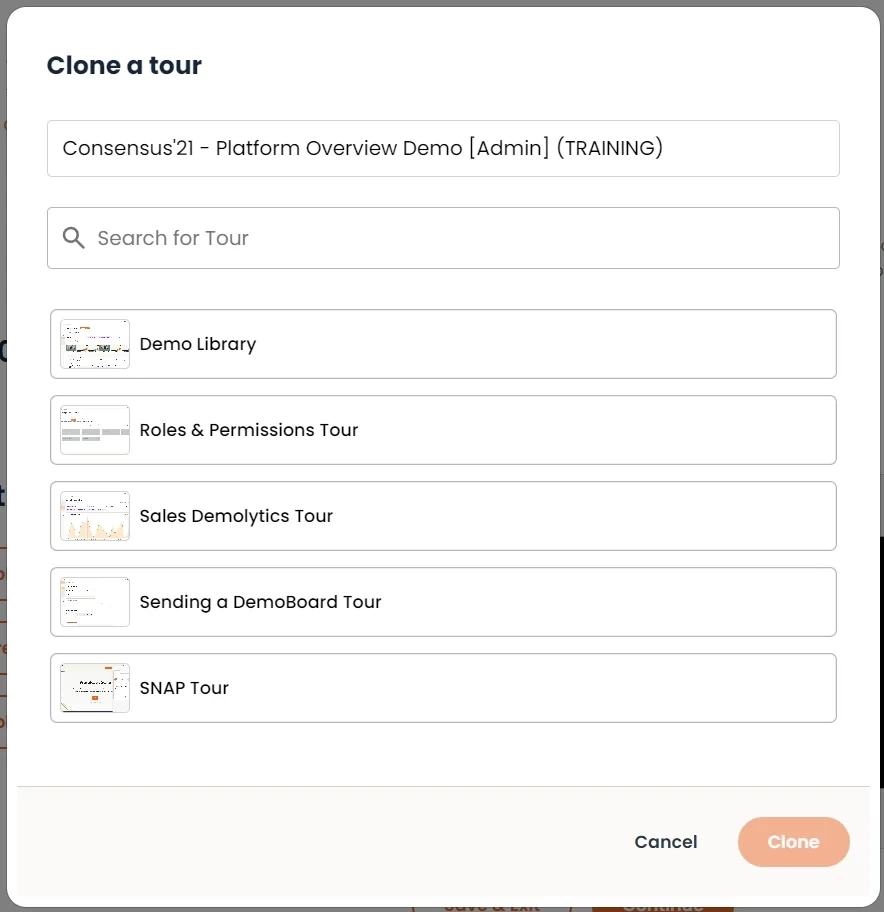
Then, you will see the Tours listed available for you to clone. Select the desired Tour, and click clone.