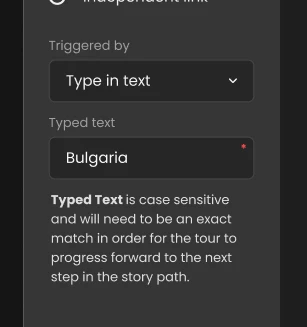

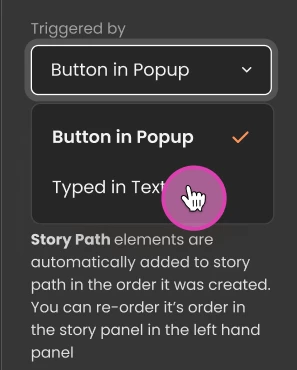
Within Text Input element, user can pick "Typed in Text" option to trigger the next step by matching the actual text instead of a button.
Simply by selecting "Typed in Text" from Triggered By Drop down.
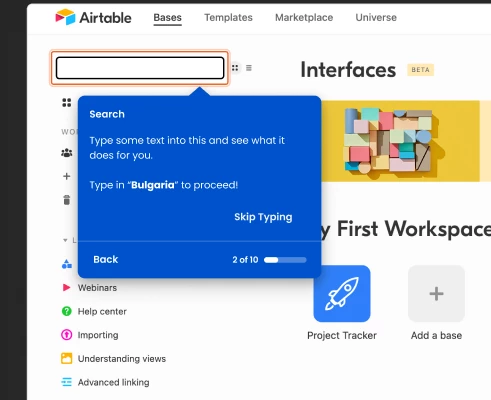
Viewers must then type in the specific text or phrase, or press Skip Typing.
-
Typed text is case sensitive and will need to be an exact match in order for the tour to progress forward to the next step in the story path.
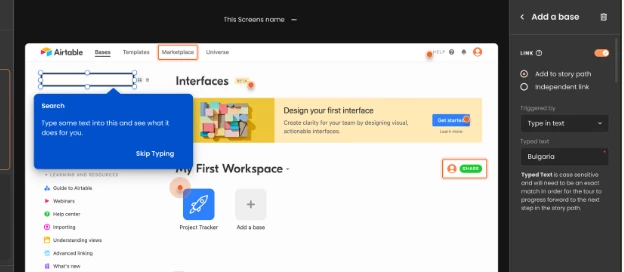
In this example (image below), as a viewer, user will need to type in "Bulgaria" in order to move on to the next step of the Tour.