
How do you turn on/off the New Lead Email Notifications within Consensus?
New Lead Notification Setting
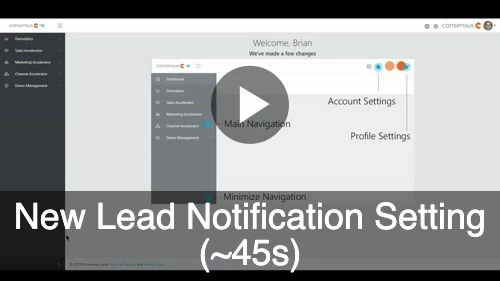
The Consensus Platform automatically sends a New Lead Email Notification to all users whenever a viewer/prospect fills out the lead collection form on the public demo. To receive these notifications, users must have access to the Qualified Leads section and is under the Demo Access for the public Demo
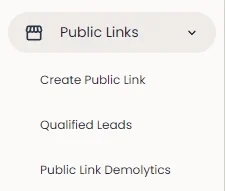
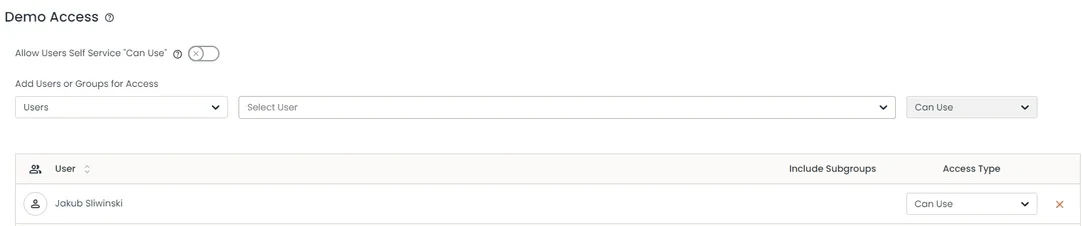
If you are not receiving these notification leads (and should be) or you're receiving the leads and don't need them filling up your inbox, you have the ability to turn them ON/OFF within the "My Profile" section of Consensus.
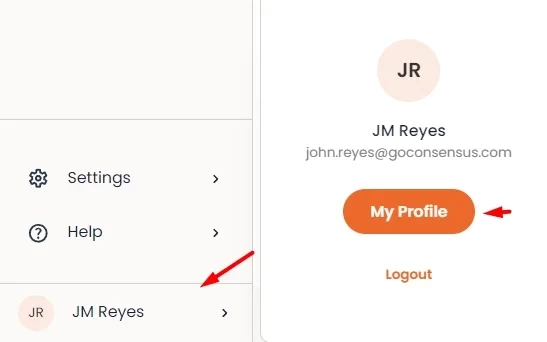
You'll click on your name found in the bottom left-hand corner of the screen and then go to "My Profile":
From there, you'll scroll to the bottom of the page and toggle ON/OFF the Receive New Lead Email Notification setting:
