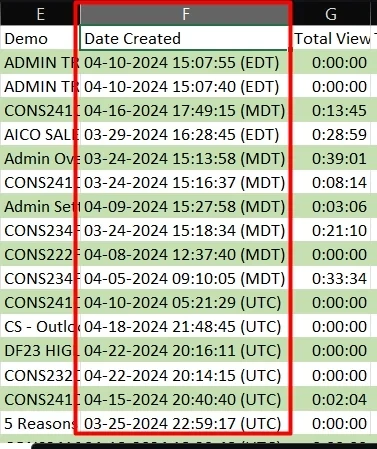

In this article we will review how you can adjust the Date Format within Consensus so you can set how you want dates to be displayed.
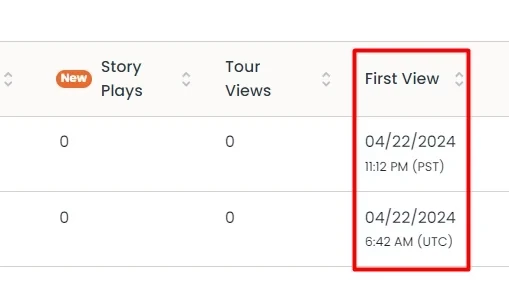
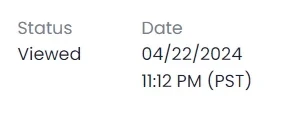
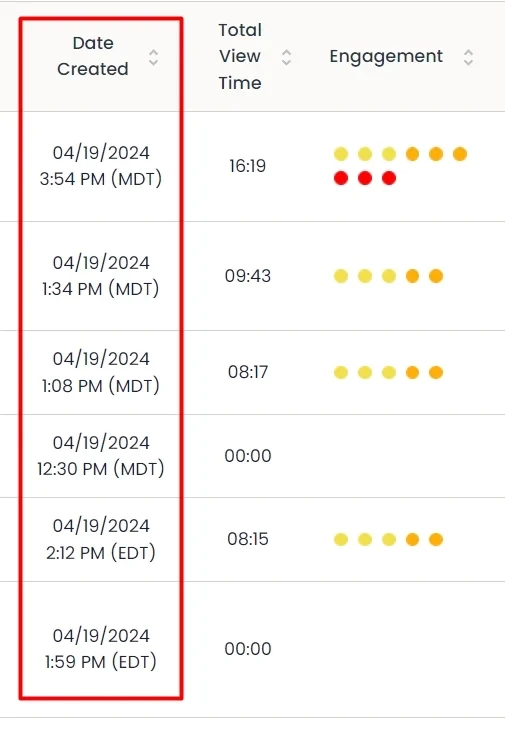
By default, Consensus uses the MM/DD/YY format. This will show for all Creation and View dates. If you are in a region or are used to seeing the date format as DD/MM/YY you can update this under the My Profile page. Follow the steps below to adjust your Date Format:
- Click on your Name or your Profile Icon in the bottom left hand corner and then select My Profile
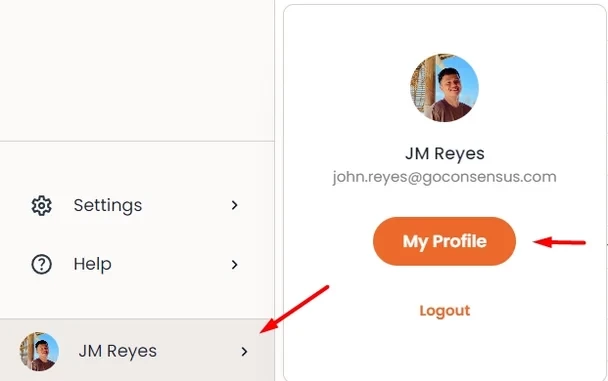
My Profile - Scroll down to the Date Format field and click on the drop down to adjust the Date Format
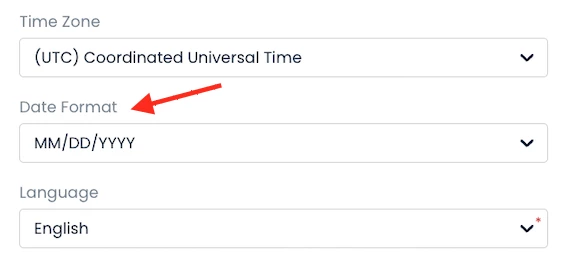
Date Format - Once set, scroll down to the bottom of the page and select 'Update'
That's it! Now the Dates within Consensus will use the Format you have set to make it easier to interpret when your DemoBoards have been Created and Viewed.
Demo Details
HeatMaps
Sales Demolytics
Sales Reports