

This article will review the cookie preference banner for the Consensus Demo player.
Consensus takes the privacy and security of your viewers seriously. Accordingly, we include cookie acceptance and management across all Demos.
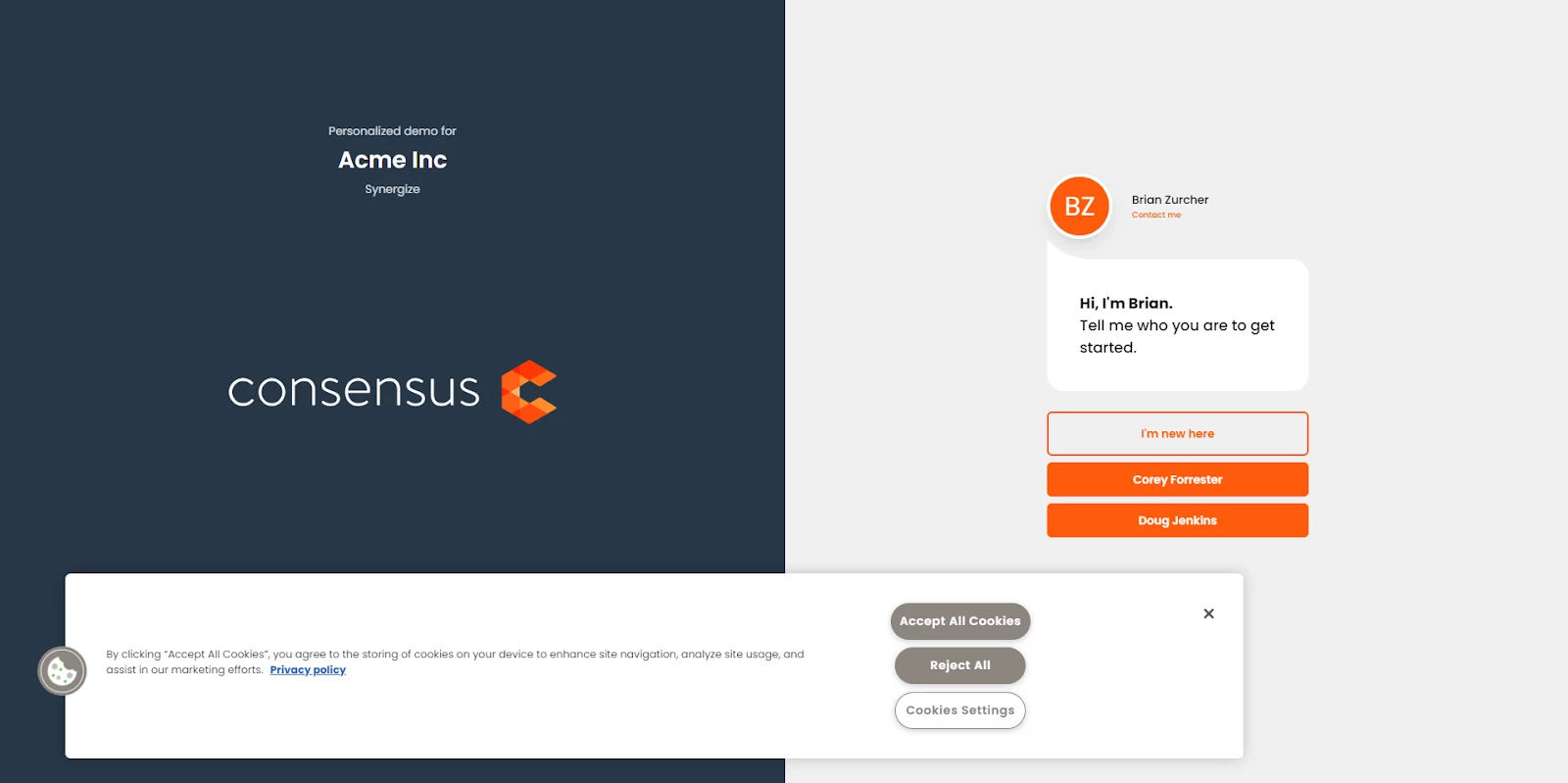
Here are some highlights of what the cookie banner allows viewers to do:
- Users can select to accept all cookies, reject all, or set their individual cookie preference
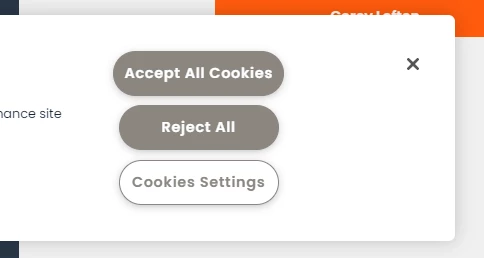
Accept All Cookies, Reject All, or Set the cookie preference - Once set, the cookie icon will remain persistent within the demo experience
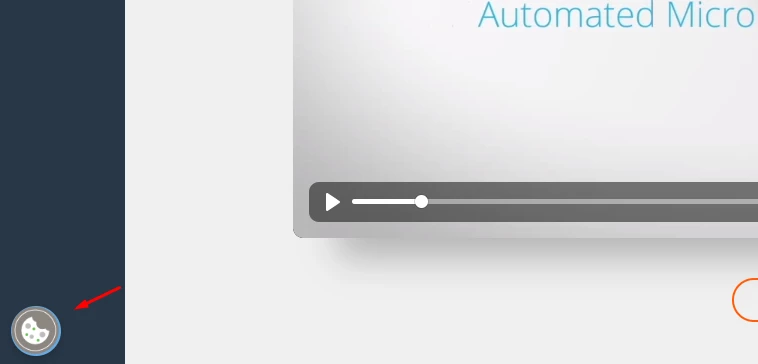
Cookie Icon - Users can select the cookie icon to adjust their cookie preferences at any time.
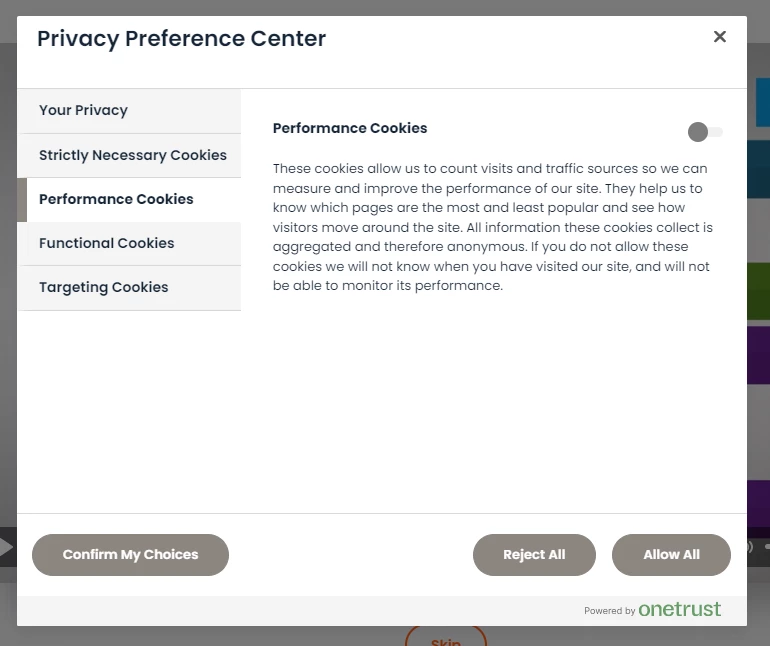
Privacy Preference Center - The cookie banner language adapts to the language of your demo
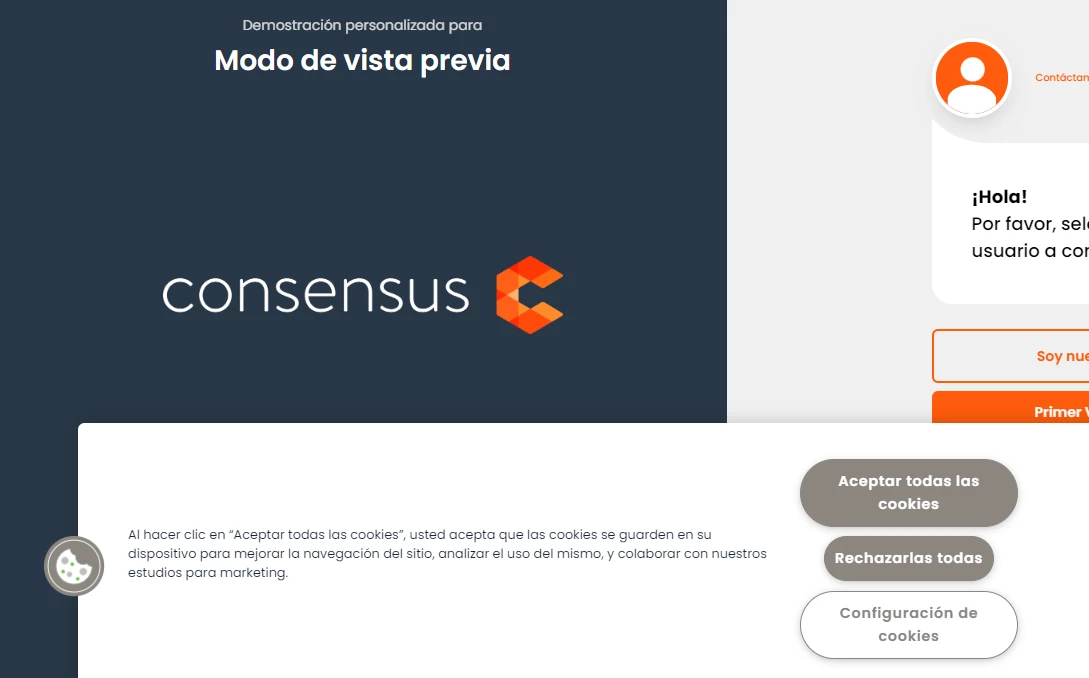
Cookie banner language adapts to the language of the demo
NOTE* Consensus DOES NOT use any cookies for tracking Demolytics
Using Your Own Cookie Banner for an iFrame Public Link Demo
Quick Tip: If you want to use your own Cookie banner, you can manually hide it by adding ?hideCookieBanner=true at the end of the public link within the iFrame. This will retain the cookie icon and just suppress the banner - Please see the sample iFrame below:
<iframe src="Demo URL?hideCookieBanner=true" width="1440" height="900" frameborder="0" allowfullscreen></iframe>
Quick Tip: If you want to use your own Cookie banner, you can manually hide it by adding ?hideCookieFeature=true at the end of the public link within the iFrame. This will completely remove both cookie banner AND cookie icon - Please see the sample iFrame below:
<iframe src="Demo URL?hideCookieFeature=true" width="1440" height="900" frameborder="0" allowfullscreen></iframe>