

In this article we will review the different ways to set a Demo or a Folder as a Favorite.
The Favorites are built to give you the ability to find demos and folders easily within your Account. In the article below we'll review the different ways to set a Demo or a Folder as a Favorite.
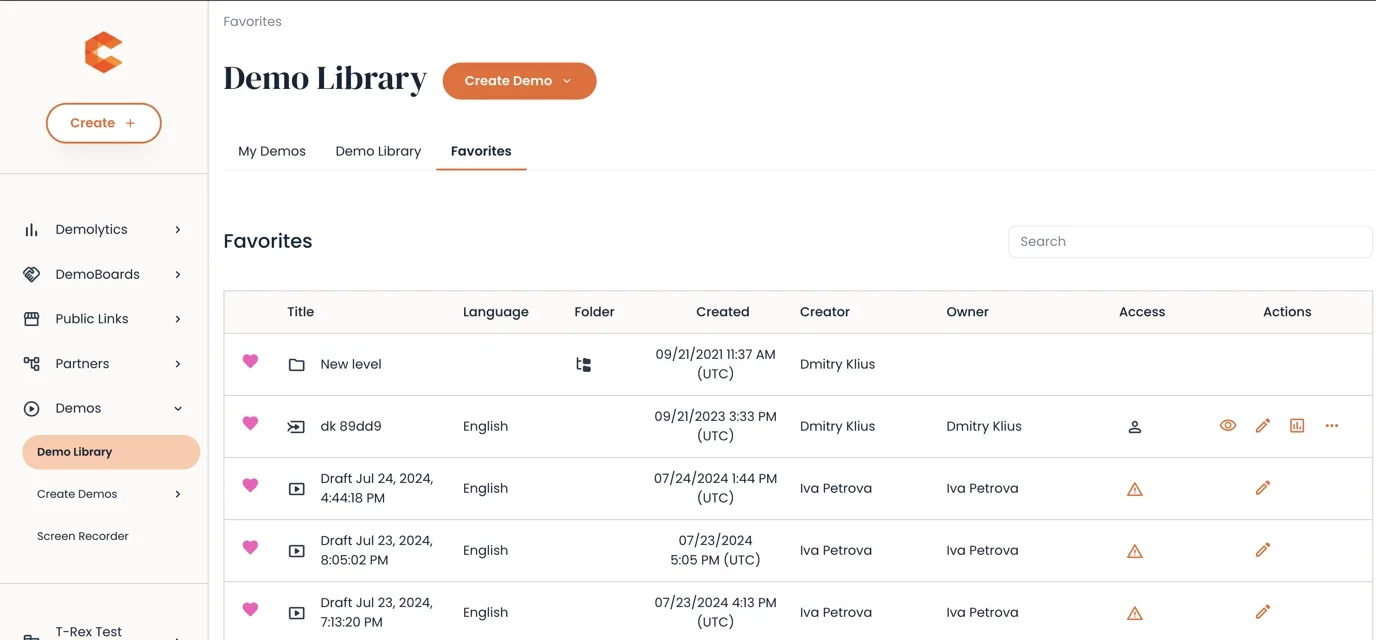
Favorites Tab
The Favorites tab is built to give you a quick view of your Favorite Demos and Folders within Consensus. This means that all the Demos and Folders that you have access to and that have been added as a Favorite are available for you to review in one place under the Favorites tab.
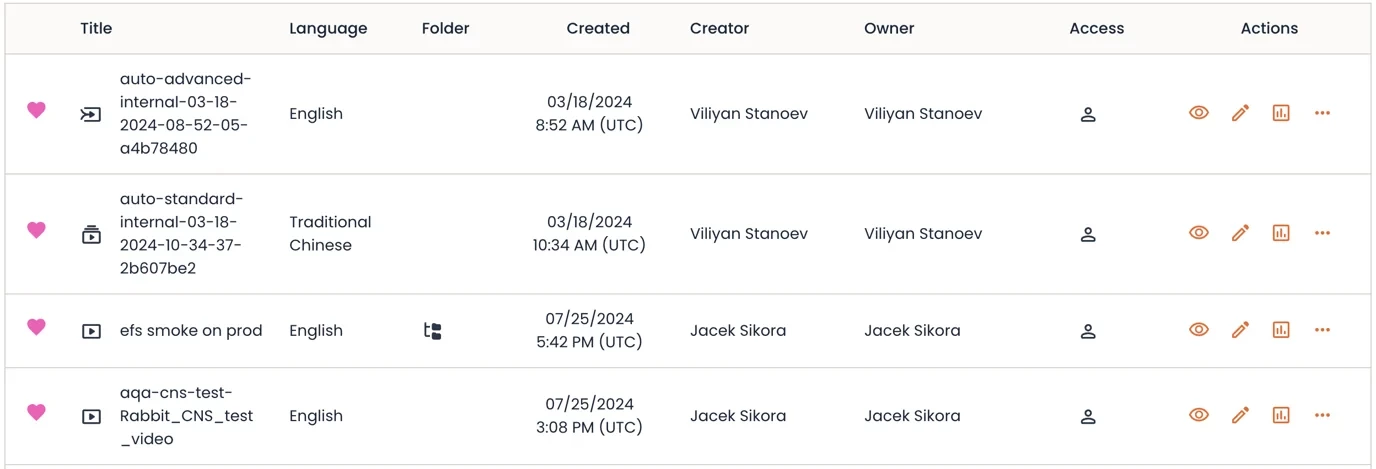
- Tо remove а Demo or a folder from your Favorites, click on the 'heart' icon to unselect it as a favorite.
Demo Library: My Demos and Demo Library Tabs
- Recent
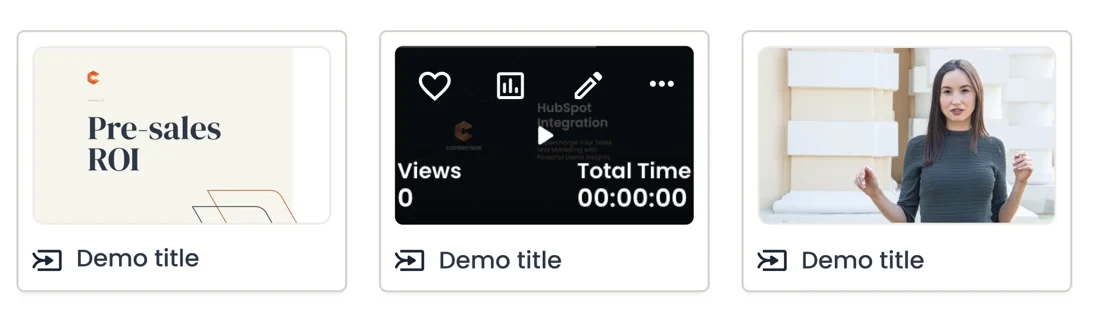
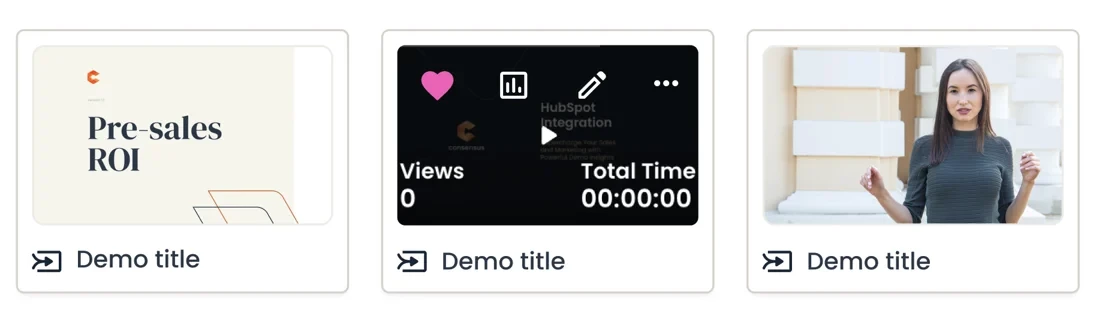
- Hover over the Demo thumbn ail to see the Favorites icon
- Click once on the ‘heart’ icon to select a Demo as a Favorite.
- Click twice to unselect it and remove the Demo from your Favorites.
- Hover over the Demo thumbn ail to see the Favorites icon
- Demos Table
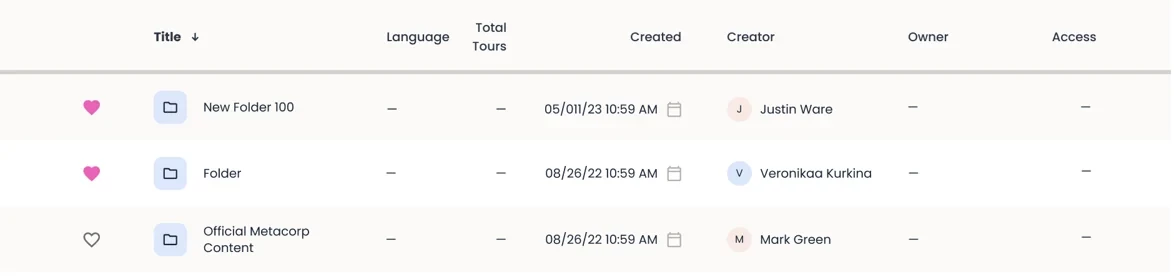
- The first column from the Demo Table indicates whether a Demo or a Folder is a Favorite.
-
-
- Not selected state (grey outlined) - indicates that the Demo is not a Favorite.
- selected state (solid pink) - indicates that the Demo is a Favorite.
-
-
-
- Click once on the ‘heart’ icon to select a Demo as a Favorite.
- Click twice to unselect it and remove the Demo from your Favorites.
-
Finding your Favorites in Demo Search
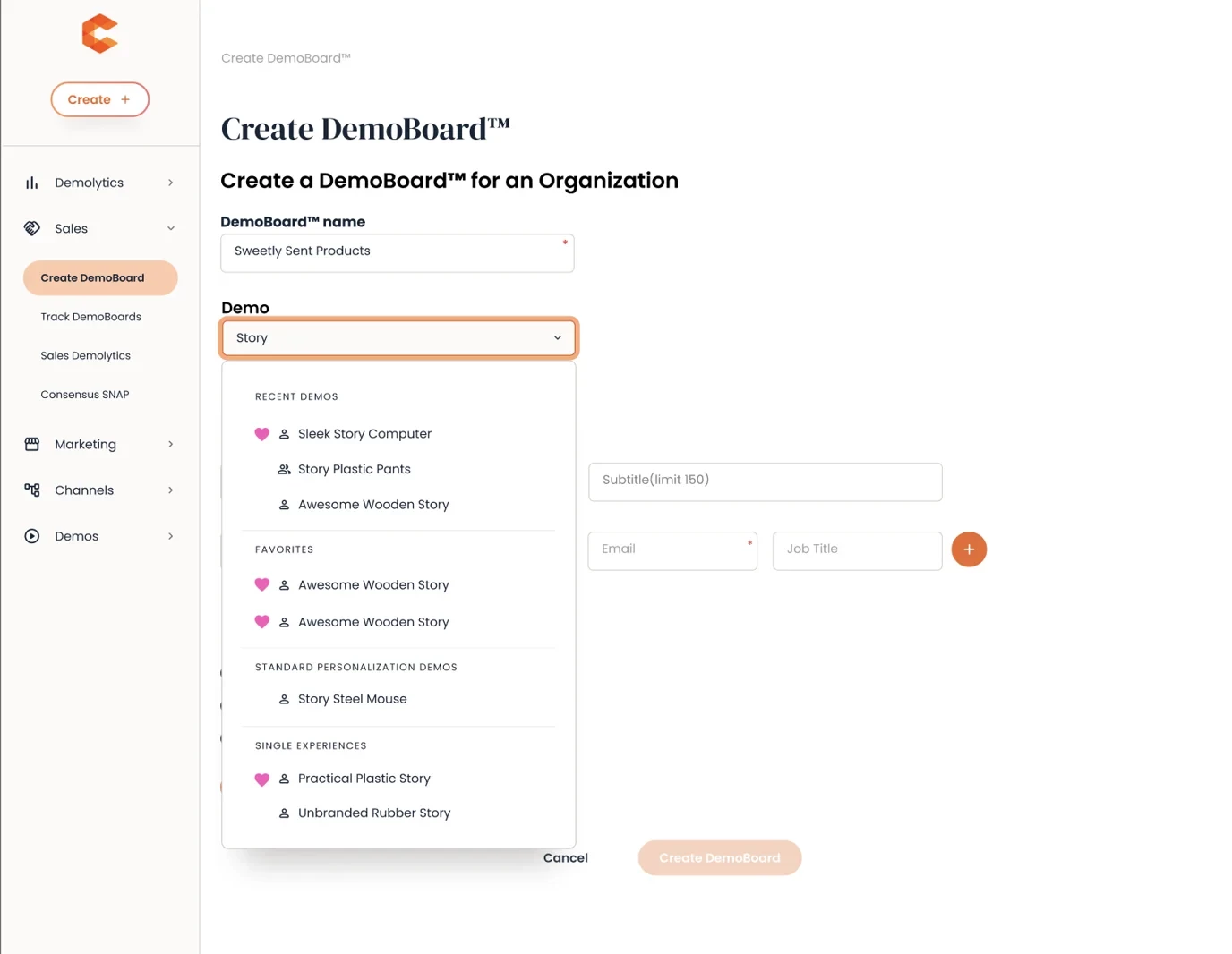
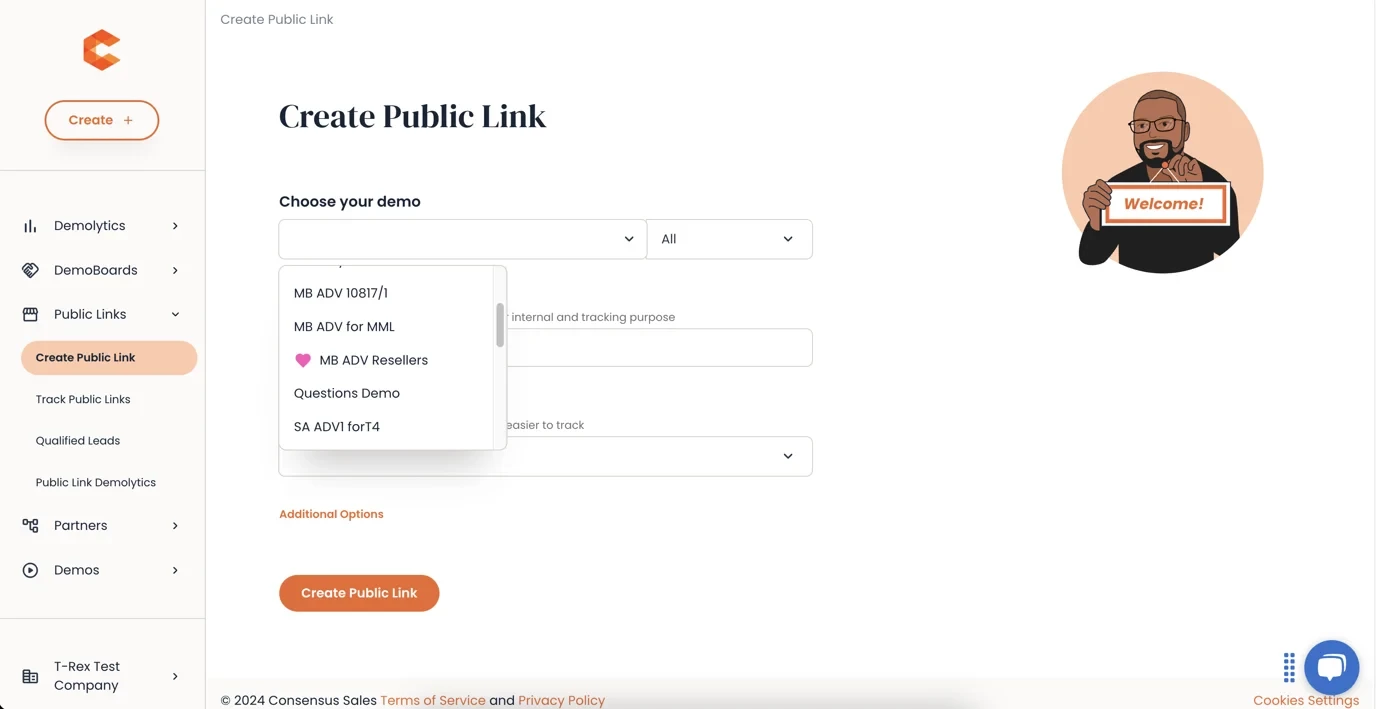
All Favorite Demos and Folders are marked as favorite in the Demo Search fields within the app and this provides an easy access to your Favorite demos when you are creating DemoBoards or Public Links.
Create DemoBoard Page:
Create Public Link Page:
Demo Library and Full Demo reports:
To see which demos have been favorited, check the Demo Library and Full Demo reports. A ‘Times Favorited’ column shows you exactly which demos have been added to favorites and how many times.