
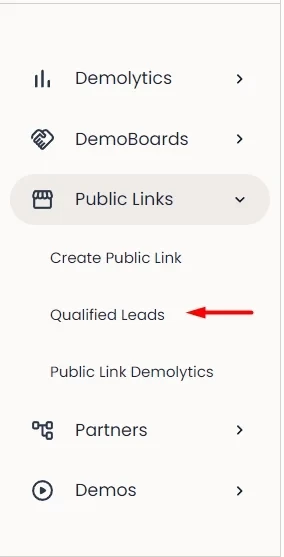
You can easily track all of your leads right inside your account. These new leads can be found under Public Links > Qualified Leads:
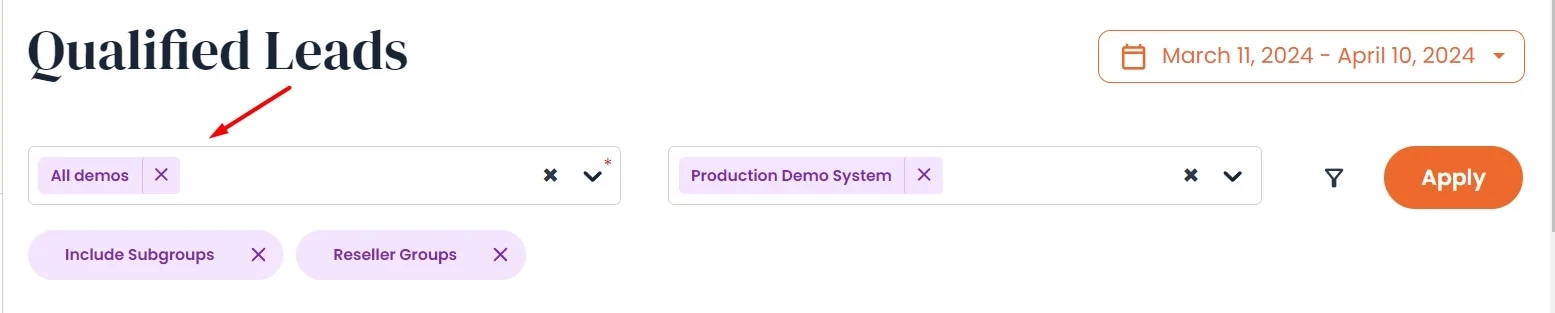
The system will default to "All Demos", however, you can choose specific demos to categorize the leads by within the search bar:
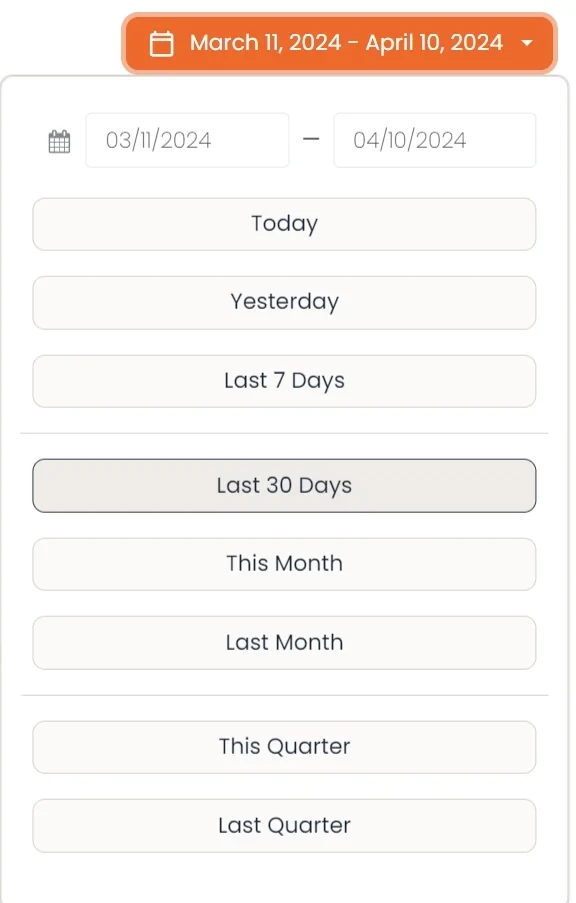
You can also create/select a custom date range for your leads by selecting the date drop-down in the upper right hand:
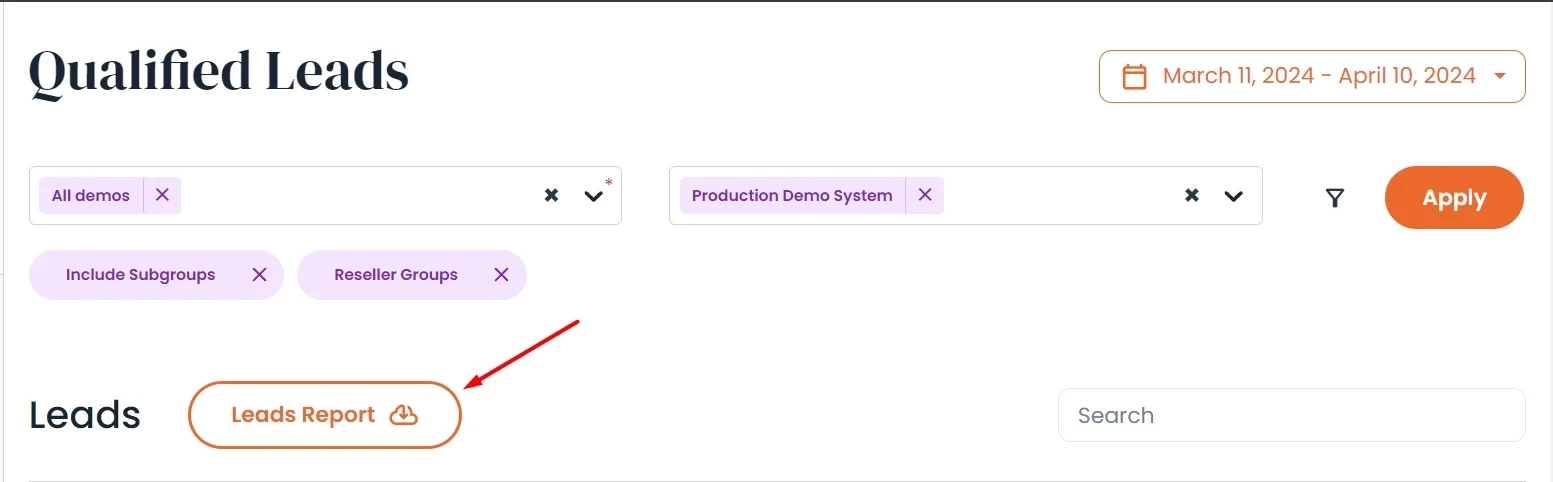
You'll also have the ability to download a CSV file of all the leads within that report. You'll find the button to download here: